
Today’s Field Notes
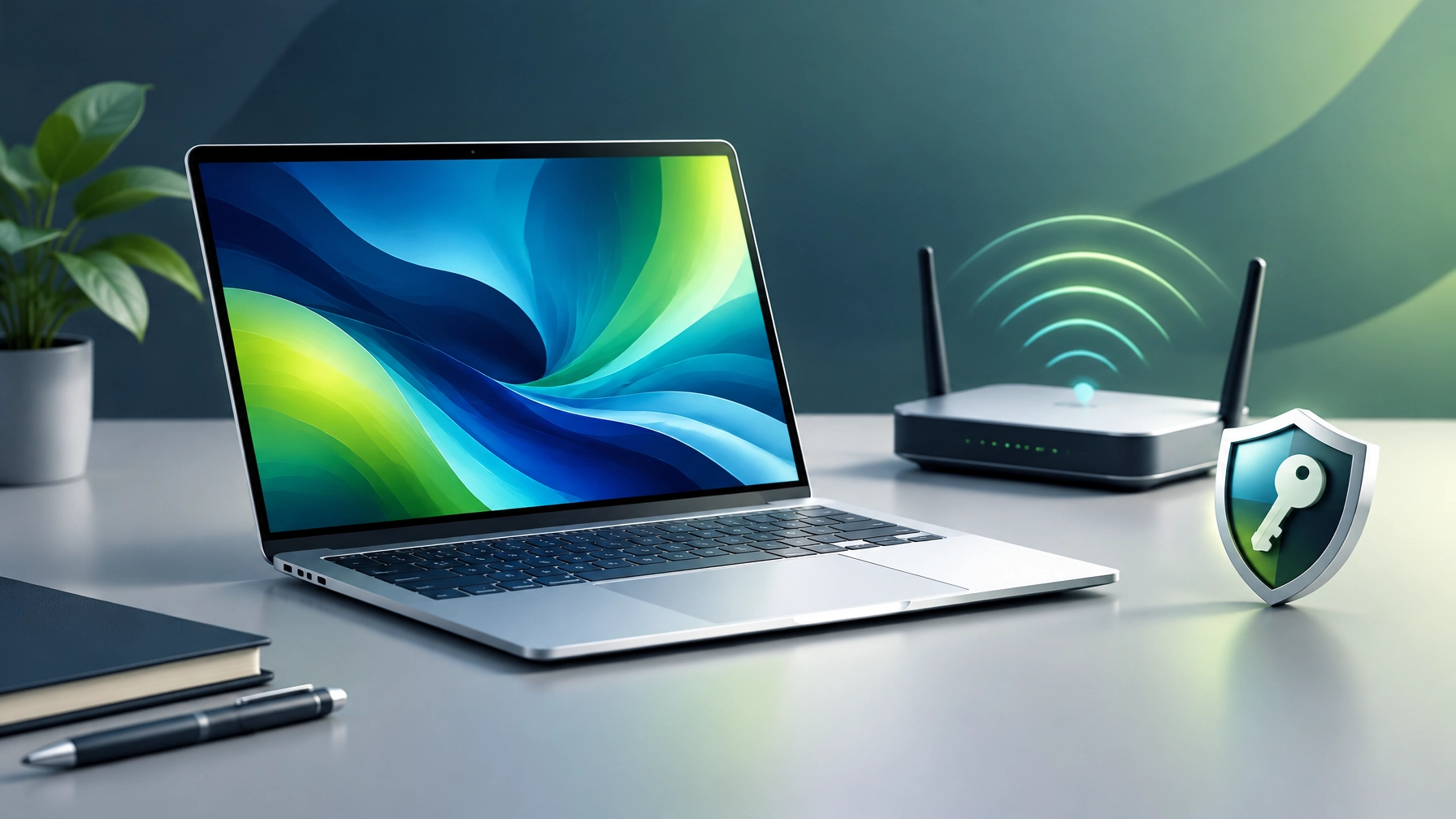
Treat a well-secured, well-tuned network and disciplined password management as crucial foundations for reliable work, learning, and business growth. Learn how routine router maintenance can improve stability and reduce avoidable security exposure: install firmware updates from the manufacturer or internet provider, replace default router administrator credentials with a long, unique password, and select WPA3-Personal when supported by connected devices or WPA2-Personal with AES when it is not. Avoid outdated WEP, WPA, or TKIP settings, and separate visitors and internet-connected devices onto a guest network when the router supports it, helping keep those devices apart from trusted computers and shared files. Understand that security depends on continued vendor support as well as settings: check the router’s support page for firmware updates and end-of-life notices, because a device that no longer receives security patches can remain exposed even when its configuration looks sound. Disable remote administration, WPS, or UPnP when those features are not needed, and keep the router firewall enabled; for better coverage, place the router in an open, central location and consider a supported mesh system or wired access point if dead zones persist. CISA’s home Wi-Fi guidance and the FTC’s router-security checklist offer useful reference points.  Discover how a password manager can make stronger account protection easier to maintain: generate a different password for every account, enable MFA on the manager itself, and never reuse its master password anywhere else. Choose a long, unique master passphrase, store account recovery details securely, and use passkeys where supported; passkeys can reduce reliance on passwords and help resist phishing. Prioritize MFA for email, cloud storage, financial accounts, administrator logins, and the password manager, choosing a passkey or FIDO security key when available. CISA’s MFA guidance explains why an extra sign-in factor adds protection beyond a password.
  For a portable productivity upgrade, the ASUS Zenbook 14 UX3405 is a strong midrange ultraportable candidate, but the exact model suffix matters. ASUS’s official specifications cover multiple generations and configurations, including Intel Core Ultra Series 2 processor options, integrated Intel Arc graphics, 16GB or 32GB onboard memory depending on model, and storage configurations that vary by region. The 14-inch OLED options range from WUXGA resolution at 60Hz to 3K resolution at 120Hz; some configurations also include Wi-Fi 7, Thunderbolt 4, HDMI, and a 75Wh battery. ASUS Australia’s store page displayed an example price of AU$1,999, reduced from AU$2,299, for a listed UX3405 configuration; the page cautions that displayed pricing may not correspond exactly to the specifications shown, so confirm the precise SKU, memory, storage, display, warranty, and final price before buying. That is an Australian-dollar example, not a US price or a universal market quote, and prices and availability can change.
 Independent impressions add important context to the appealing spec sheet: Laptop Mag praised the Zenbook’s performance and chassis, while flagging battery endurance as a notable compromise and expressing reservations about audio and display visibility. That makes the OLED screen, light build, and productivity capability attractive for mobile office work, while the battery caveat matters for people who spend long stretches away from power. Reality check: skip this model if maximum battery life, upgradeable memory, a dedicated graphics processor, or a low-cost repairable workhorse is the priority; compare exact configurations and independent testing of the specific version before committing. For small businesses, the right laptop is only one part of dependable productivity: secure Wi-Fi, supported operating systems, protected sign-ins, and a reliable support plan matter just as much. Windows 10 support ended on October 14, 2025, meaning standard installations no longer receive regular security updates; Microsoft recommends moving eligible systems to Windows 11, considering applicable Extended Security Updates, or replacing unsupported devices. A new Windows 11 laptop can help with that transition, while keeping the existing network and account safeguards current remains essential. For remote troubleshooting, diagnostics, and practical IT help, explore Network Repair1 Remote Services; brands seeking professional product features and video partnerships can learn more through Network Repair1 collaborations. Stronger network foundations and better account habits can meaningfully enhance everyday reliability, protect business access, and create room to grow.
Daily Links
- ASUS Zenbook 14 UX3405 specifications
- ASUS Australia Zenbook 14 OLED UX3405 store listings
- Laptop Mag: ASUS Zenbook 14 UX3405CA review
- CISA: Securing home Wi-Fi
- FTC: How to secure a home Wi-Fi network
- CISA: Multifactor authentication guidance
- NIST: Password guidance
- Microsoft: Windows 10 support has ended
Grow with Network Repair1
- 🎥 Product Videos for Growing Brands: expand product visibility with engaging content.
- 🚀 13,000 YouTube subscribers and 1.1 million+ lifetime views.
- 🛍️ Shopify and Amazon product videos: showcase products with professional storytelling.
- 💻 Remote IT support: keep computers, networks, and cloud tools productive.
- 🤝 Let’s collaborate: create meaningful content and grow together.
- ▶️ YouTube
- 🎵 TikTok
📞 805-723-9608
Ready to upgrade your tech? Check out our curated list of essential tools to keep you connected and productive.
The items mentioned are featured on the YouTube channel.
Leave a Reply