
Sunday’s Tech Briefing
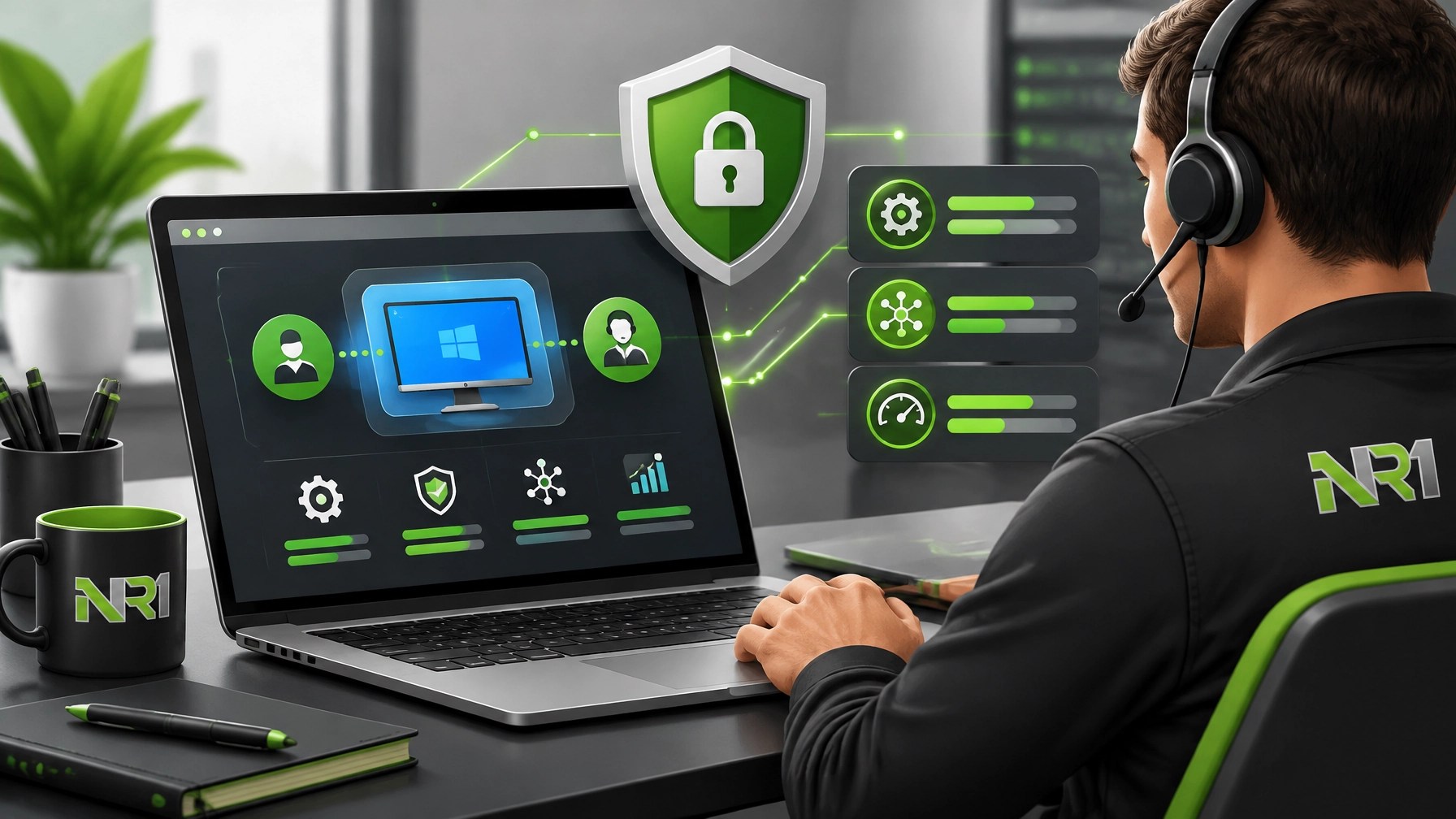
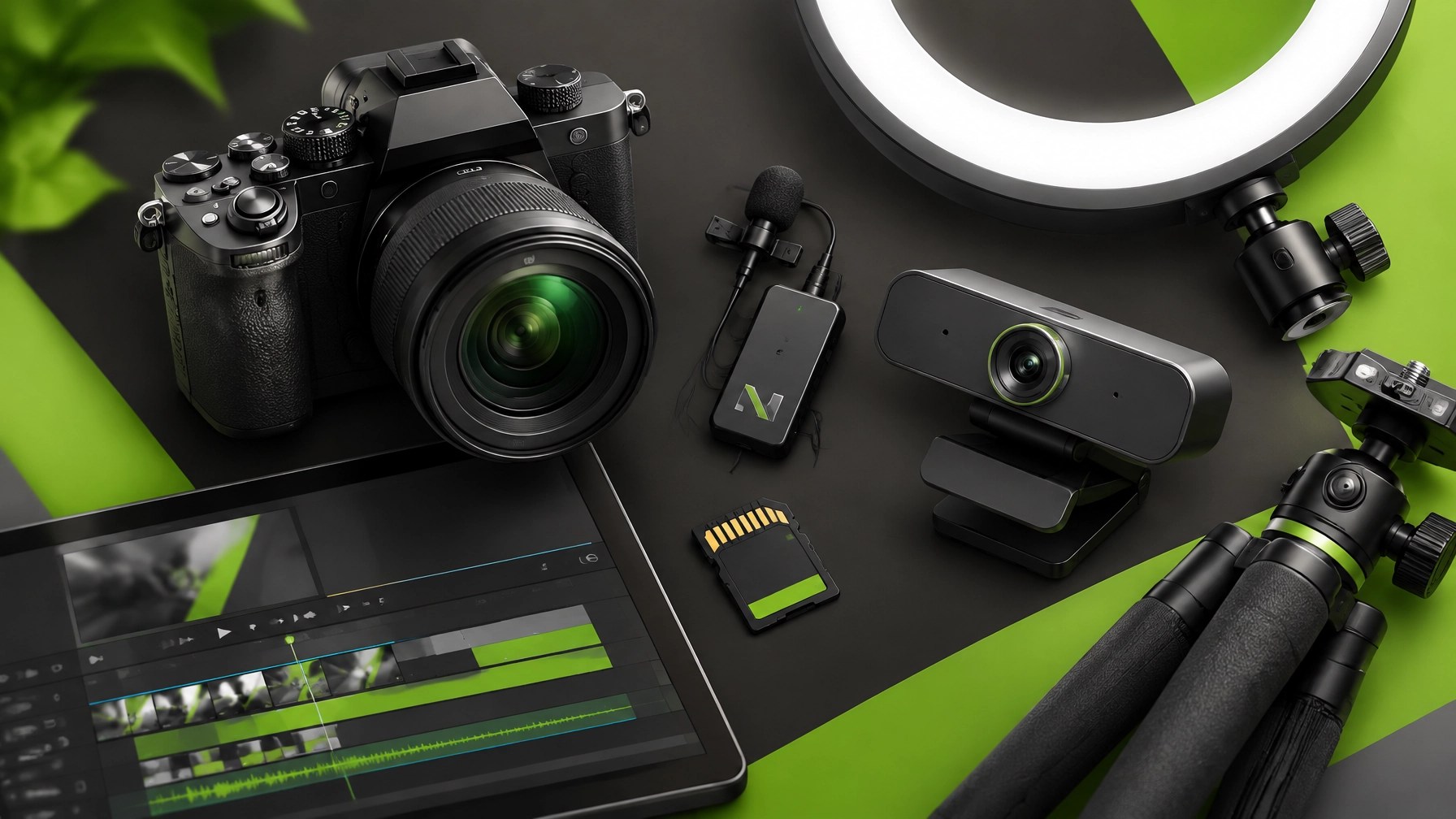

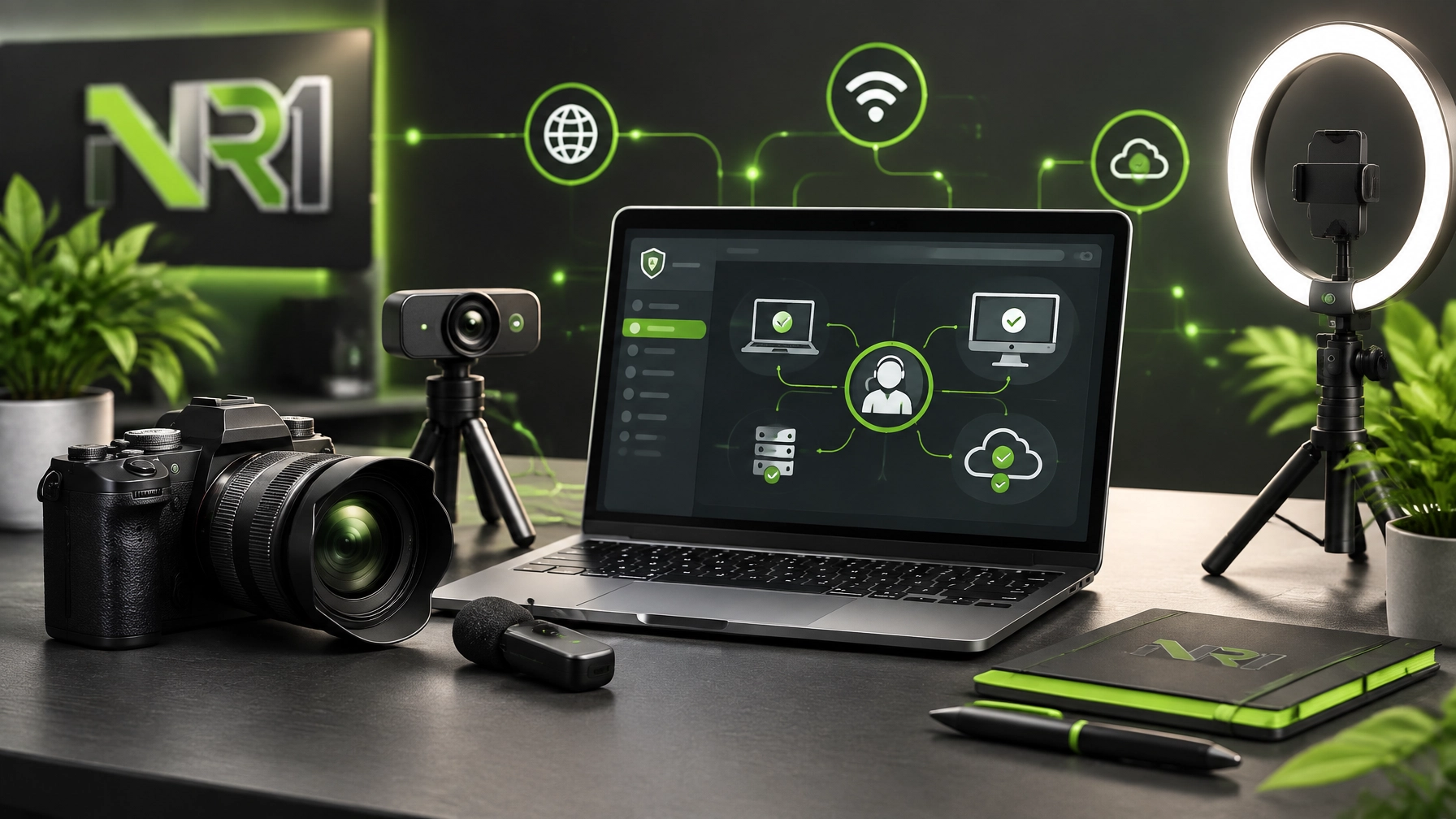
Treat reliable technology as a crucial advantage for productivity, security, and growth, because a strong digital setup can keep remote work moving, protect business data, and make every product presentation look more professional. Today’s marathon shifts from laptops to the creator gear that brings tutorials, product demonstrations, livestreams, and brand reviews to life, while the remote IT support desk stays open for the less glamorous problems that somehow become urgent five minutes before a meeting. Start with Microsoft Quick Assist, which gives a technician a practical way to connect to a Windows computer during an approved support session, review system behavior, resolve software errors, and improve performance without requiring an on-site visit; the safest experience begins with confirming the technician’s identity, sharing access only during the scheduled session, watching the actions being performed, and closing the connection as soon as the work is complete. Security remains part of every support conversation, so strengthen account protection with multifactor authentication, apply operating-system and application updates, remove suspicious browser extensions, review administrator privileges, protect important files with dependable backups, and treat unexpected login prompts or remote-access requests as warning signs rather than harmless pop-ups. System optimization also creates immediate value, especially when startup applications consume resources, storage becomes crowded, background services multiply, drivers fall behind, or a browser collects enough tabs to qualify as a second operating system; reviewing startup entries, clearing unnecessary temporary files, checking available storage, updating firmware, removing unused software, and monitoring system health can restore responsiveness and reduce interruptions. For businesses, those improvements can enhance employee productivity, reduce avoidable downtime, and create a cleaner foundation for Microsoft 365, cloud applications, remote collaboration, and endpoint protection. The creator side of the roundup starts with a simple rule: audio clarity earns attention before cinematic video quality gets a chance to show off, so a dependable microphone belongs near the top of the upgrade list. The RØDE Wireless GO II remains a strong fit for product reviews, tutorials, interviews, video calls, and moving demonstrations because its dual-channel design, built-in microphones, camera connectivity, and USB output support flexible workflows across cameras and computers; in plain English, it helps creators stop sounding like they are narrating from inside a cereal box. A USB microphone such as the Shure MV7+ can suit a desk-based recording setup, while a compact wireless system such as the DJI Mic Mini can make standing demonstrations and short-form clips easier to manage, but the winning choice depends on room acoustics, camera distance, mobility, and the number of speakers involved. Lighting delivers the next major improvement, and an 18-inch ring light can provide even illumination for talking-head videos, product close-ups, livestreams, and Quick Assist tutorials, while a soft LED panel can create more directional light when a studio-style look matters. Keep the light slightly above eye level, avoid harsh reflections on glossy devices, and separate the subject from the background with controlled brightness rather than turning the room into an interrogation scene. A capable webcam still earns its place for remote support sessions, live screen-share demonstrations, Microsoft 365 walkthroughs, and cybersecurity explainers, especially when fast setup matters more than interchangeable lenses; a modern 1080p or 4K model with dependable autofocus, exposure control, and low-light performance can make a desk look organized even when the cable situation says otherwise. For polished YouTube reviews, a mirrorless-style camera such as the Sony ZV-E10 or Canon EOS R50 can add sharper product detail, stronger background separation, and more control over the visual identity of a channel, while a compact tripod keeps framing stable and prevents the camera from slowly drifting toward the nearest houseplant. Creator success also depends on the equipment surrounding the camera, including fast storage, reliable memory cards, a clean editing display, screen-recording software, a teleprompter for technical scripts, and a consistent file-management system that keeps footage from disappearing into a folder named “final-final-USETHISONE.” That workflow matters for technical content because viewers need readable menus, clean narration, accurate demonstrations, and confident explanations when the subject involves cybersecurity, system optimization, or remote troubleshooting. NetworkRepair1 has been building that type of technology-focused content with a growing audience, and today’s milestone deserves a proper celebration: 13,000 YouTube subscribers and more than 1.1 million lifetime views. Those numbers represent meaningful momentum for a channel built around practical technology, honest product coverage, tutorials, and digital storytelling, and they also show why presentation quality matters when brands want to reach an audience that values useful information over empty hype. Businesses preparing Shopify or Amazon launches can work with NetworkRepair1 for product demo videos, hands-on reviews, short-form social clips, unboxing content, tutorial videos, and clear feature explanations designed for YouTube, TikTok, Instagram, Facebook, and product-focused campaigns. Strong product media can enhance buyer understanding, increase confidence, boost social visibility, and give a listing more useful content to share across multiple platforms, while technical knowledge helps ensure the product is presented accurately instead of being buried beneath vague superlatives and dramatic background music. For individuals and small businesses that need help with slow computers, software setup, malware concerns, network diagnostics, Microsoft 365, cloud services, or general system optimization, NetworkRepair1’s remote support service provides a practical path to professional assistance through Microsoft Quick Assist and secure remote troubleshooting. For brands, sellers, and product creators, the NetworkRepair1 shop and contact page provide direct routes to explore featured products and begin a collaboration. The marathon continues with better systems, stronger security, clearer audio, brighter visuals, and content that can help businesses grow, expand, and connect with the right audience.
🚀 Promote Your Product With Us
- 🎥 Showcase your Shopify or Amazon product: We create clear, engaging videos that help customers understand the value.
- 📦 Boost product visibility: Hands-on reviews, demos, tutorials, Shorts, Reels, and social media content can expand reach.
- 🤝 Let’s collaborate: Build meaningful content partnerships with us and grow together.
- 🛠️ Need remote IT support: We can help with troubleshooting, cybersecurity, Microsoft 365, cloud setup, and system optimization.
🎉 NetworkRepair1 Milestone
- 🏆 13,000 YouTube subscribers: Thank you for supporting the channel.
- 📈 More than 1.1 million lifetime views: The technology journey continues at full speed.
- ⚡ More tutorials, reviews, and product features: More useful content is on the way.
📺 Follow Along
These creator picks are featured on the YouTube channel.
Loved today’s review? You can find this product and all our top picks on our official Amazon storefront.
🛒 Amazon Storefront
📩 Contact
- 📞 Phone: 805-723-9608
- 🌐 Website: NetworkRepair1.com
- 🤝 Let’s collaborate and achieve your goals together.
Leave a Reply