
The Main Roundup
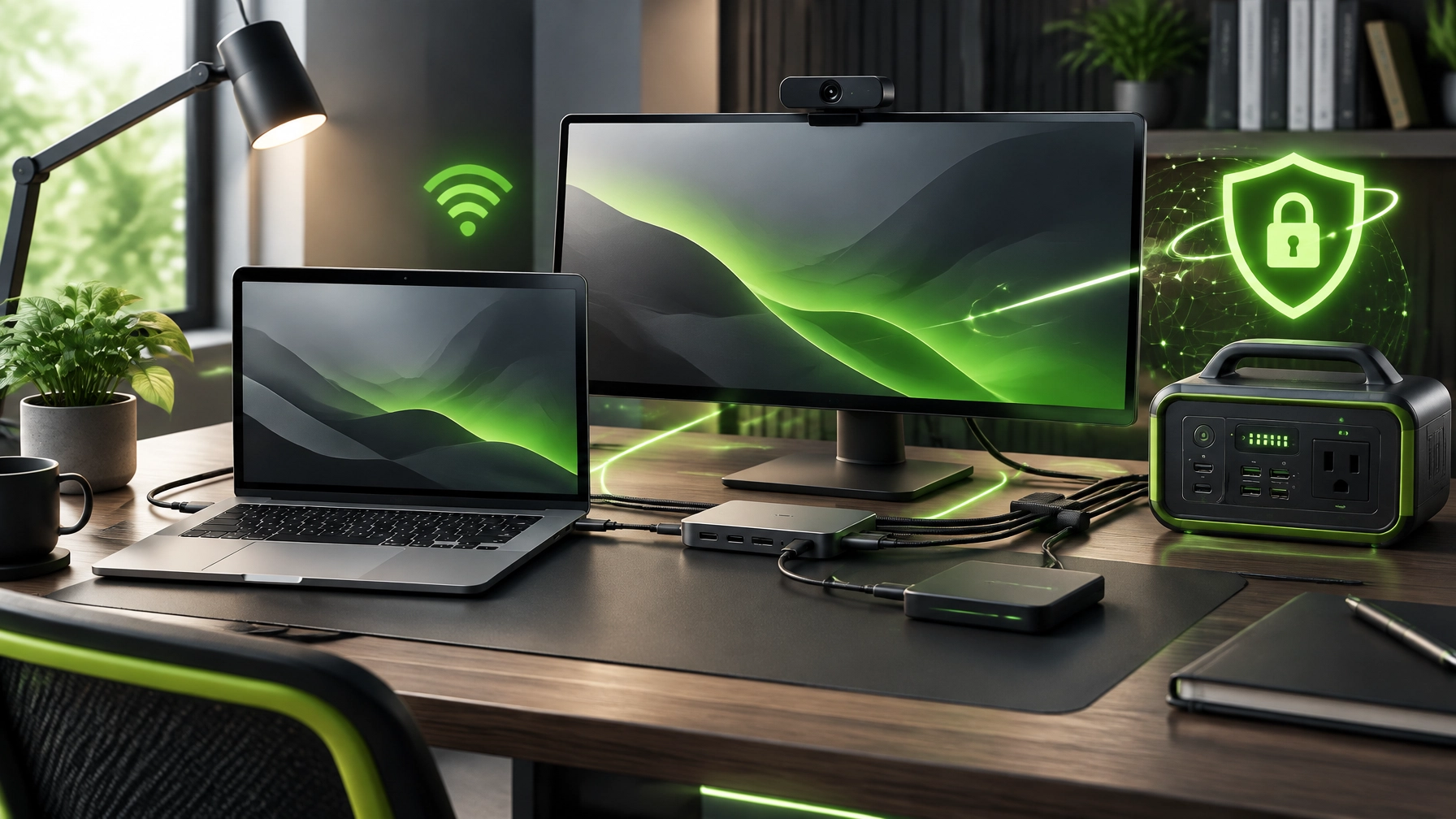
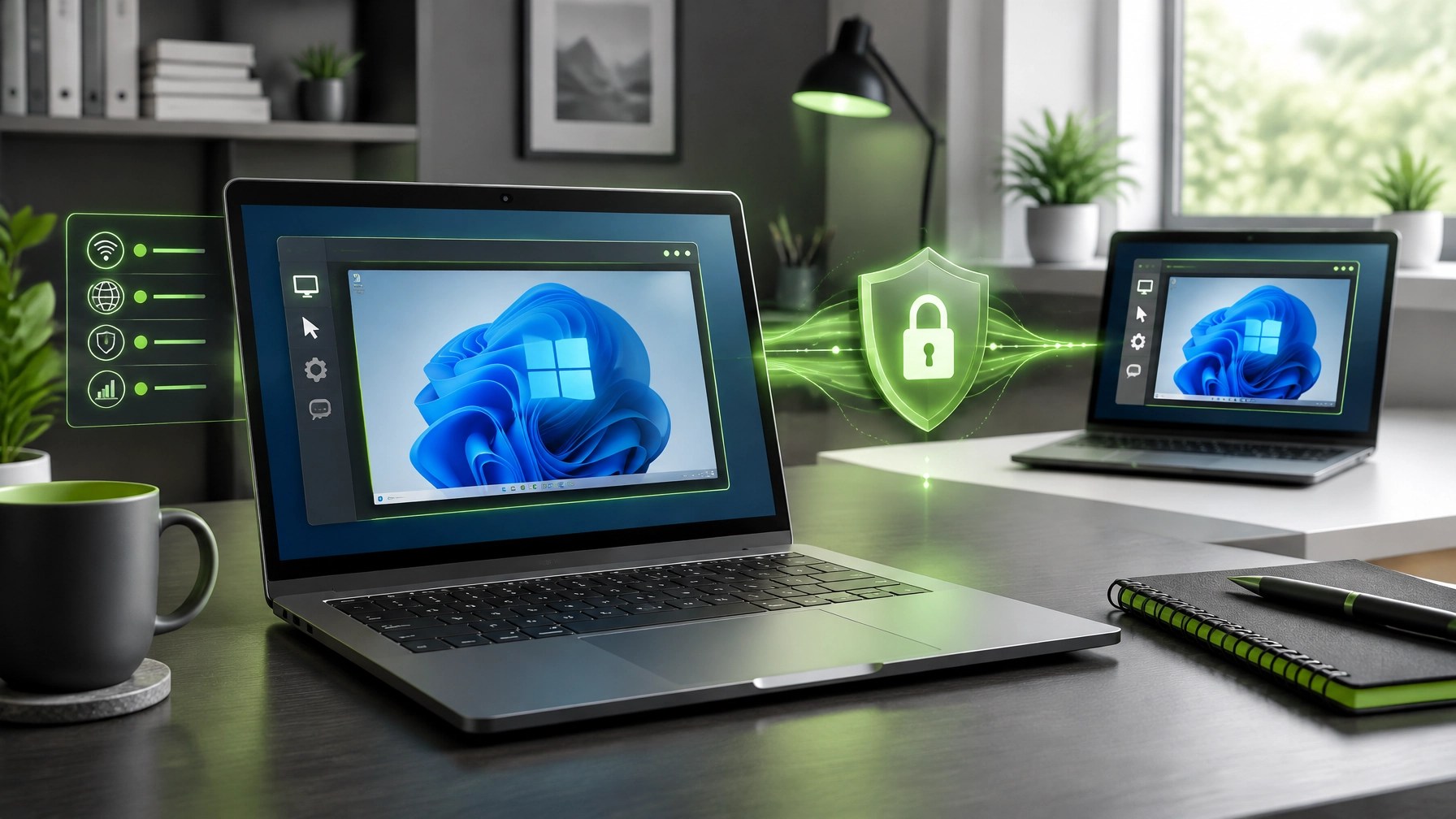
A secure, optimized home office remains crucial for productive work, reliable communication, and consistent business growth, so today’s roundup focuses on the upgrades and habits that keep the technology marathon moving without turning every workday into an obstacle course. Microsoft Quick Assist continues to offer a practical path for remote troubleshooting, but security hygiene must lead every session, meaning support requests should begin from a trusted conversation, the Quick Assist application should be opened manually, and the security code should only be shared after the helper’s identity has been confirmed through a known phone number, business email, or approved communication channel. Screen sharing also deserves careful preparation, so sensitive documents, password managers, banking pages, private messages, and notification previews should be closed before access begins, while the person receiving assistance should remain present, observe every action, and end the session as soon as the issue is resolved. Remote control can save time, but it should never become an invitation for mystery software, unattended access, or unexplained privilege changes, which makes standard user accounts, multi-factor authentication, endpoint protection, encrypted backups, and current operating-system updates essential parts of a dependable setup. System optimization adds another layer of momentum, and the most effective improvements often come from removing unnecessary startup applications, updating trusted device drivers, keeping adequate storage available, uninstalling unused software, reviewing browser extensions, and checking that security tools are active without creating unnecessary performance drag. Network performance also matters, especially for video meetings, cloud applications, and large file transfers, so a modern router configuration, strong Wi-Fi encryption, updated firmware, a protected administrator account, and wired Ethernet through a USB-C dock can help create a cleaner connection with fewer surprises. On the hardware side, a quality webcam can improve meetings, tutorials, and product videos through sharper imaging, better exposure control, improved low-light performance, and a physical privacy shutter, while a 27-to-32-inch 1440p or 4K monitor can provide a meaningful productivity boost when positioned at a comfortable height and viewing distance. A monitor arm or VESA mount can free desk space, improve posture, and make room for a dedicated lighting setup, and indirect front lighting can make webcam footage look more professional without turning the desk into a miniature film studio. USB-C hubs and docking stations remain some of the most useful desk upgrades because one connection can consolidate charging, displays, Ethernet, storage, keyboards, microphones, and other peripherals, but compatibility still matters, so DisplayPort Alt Mode, Power Delivery capacity, HDMI or DisplayPort support, Gigabit Ethernet, and the required USB standards deserve attention before purchase. Portable power is another smart addition for creators, remote workers, and small businesses, with a capable USB-C power bank helping laptops stay active during travel and a UPS providing protection for desktops, monitors, networking equipment, and external storage during brief interruptions or unstable power conditions. NetworkRepair1’s electronics catalog currently highlights the DJI Power 1000 Portable Power Station, a useful category fit for offices and mobile production environments, and the broader lesson is simple: dependable power protects workflow continuity, reduces interruptions, and gives valuable equipment a better operating foundation. Desk setup upgrades should also support the person using the equipment, so an external keyboard and mouse can reduce laptop hunching, a properly positioned display can ease neck strain, cable management can eliminate visual clutter, and a supportive chair can make long editing, support, and administrative sessions more sustainable. The same practical thinking applies to content production, where a clean background, reliable microphone, consistent lighting, stable camera position, and organized power layout can make product demonstrations feel more polished and credible. For businesses selling through Shopify or Amazon, strong product video can turn technical features into clear buying reasons, and NetworkRepair1 can help transform product details into reviews, demonstrations, tutorials, and social-ready content designed to increase visibility and strengthen customer confidence. The NetworkRepair1 videos page shows the channel’s product-focused direction, while the Collaborate & Sponsors page provides a direct path for brands seeking tailored campaigns, product features, sponsorships, and professional digital storytelling. The marathon continues because technology never stands still, but the right security habits, better-connected equipment, thoughtful ergonomics, and credible product content can keep the workday moving forward with fewer technical detours and more room for meaningful growth.

Gear Worth a Closer Look
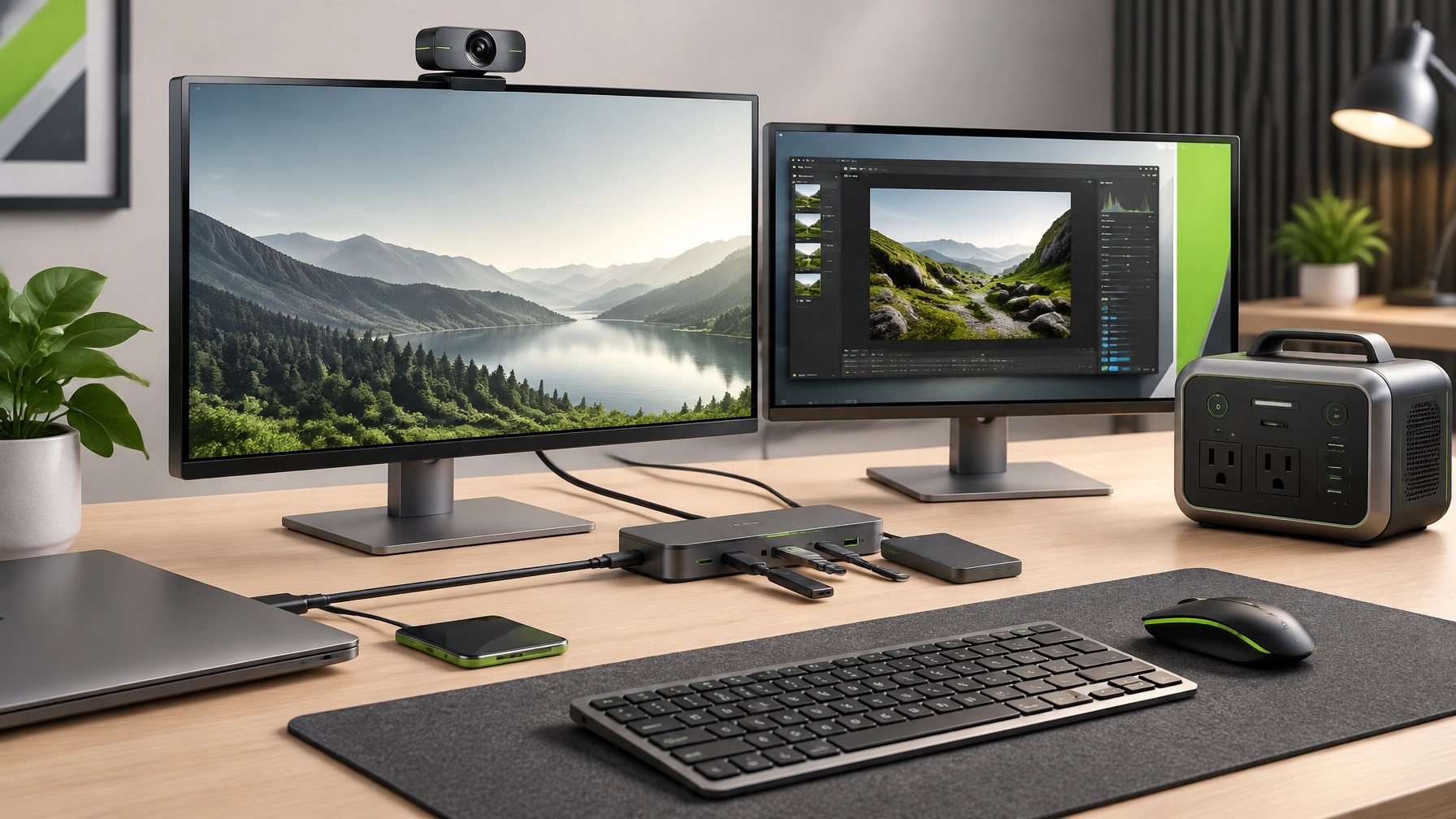
The NetworkRepair1 electronics collection includes the DJI Power 1000 Portable Power Station, an example of the portable-power category worth considering for home offices, mobile creators, and productivity setups that cannot afford avoidable interruptions.
🚀 Promote Your Product With Us
- 🚀 Showcase your Shopify or Amazon product: We create engaging reviews, demonstrations, tutorials, and promotional videos.
- 🎥 Build buyer confidence: We turn product features into clear, useful, and attention-grabbing content.
- 🤝 Let’s collaborate: Partner with us to expand reach, boost visibility, and grow together.
- 📩 Start the conversation: Visit Collaborate & Sponsors.
🛍️ Ready to upgrade your tech? Check out our curated list of essential tools to keep you connected and productive. These items are featured on the YouTube channel: Amazon Store
🎉 Milestone

- 🎉 13,000 YouTube subscribers: Thank you for being part of the NetworkRepair1 community.
- 📈 Over 1.1 million lifetime views: The channel continues to reach, educate, and entertain tech-minded audiences.
- 🔧 The marathon continues: More product reviews, tutorials, technology tips, and helpful content are on the way.
📲 Follow Along
📩 Contact
- 🌐 NetworkRepair1.com
- 🛠️ Remote Services
- 📞 805-723-9608
- 📧 oq@networkrepair1.com
Leave a Reply