
September 18, 2026, NetworkRepair1 Newsletter
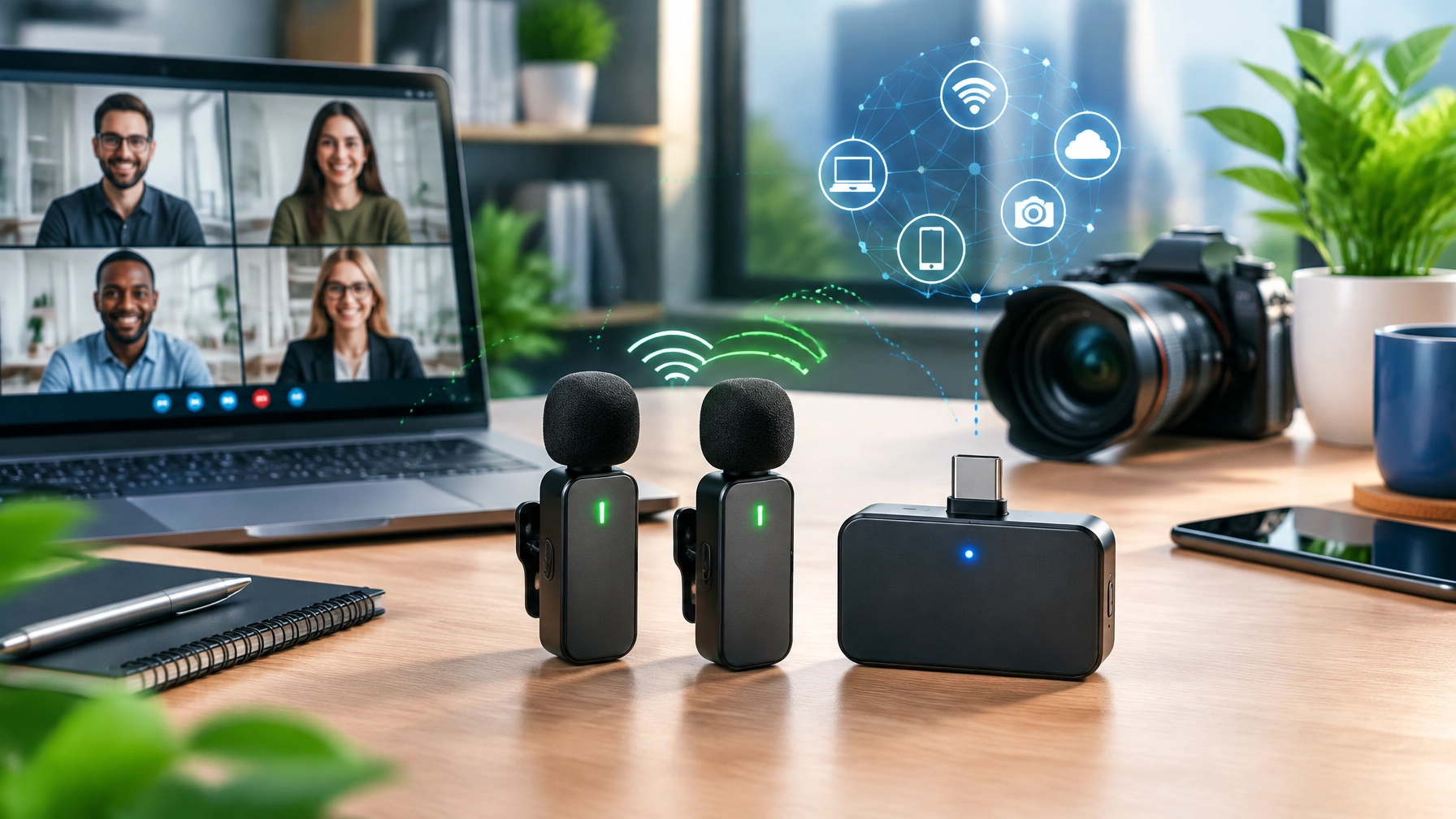
Reliable audio is crucial for professional content, productive video calls, and polished customer communication, so today’s roundup puts the RØDE Wireless GO II Dual Channel Wireless System under the review spotlight, then delivers a fast remote IT support fix for Windows audio problems after updates. The marathon continues, and this compact wireless kit brings enough flexibility to keep creators, small businesses, product reviewers, and remote teams moving without turning every recording session into a cable-management endurance event.
🎙️ RØDE Wireless GO II: Small System, Serious Flexibility

The RØDE Wireless GO II is built around one receiver and two transmitters, giving the setup genuine dual-channel operation for interviews, two-person presentations, demonstrations, and collaborative video calls. Each transmitter includes a built-in omnidirectional microphone, while the 3.5 mm input supports a compatible lavalier microphone when a more discreet or consistent placement is needed. That combination makes the system useful straight out of the case, but it also leaves room for a more controlled microphone setup when the production demands it.
The transmitters include onboard recording and internal storage, which creates a valuable backup when wireless audio encounters interference, cable trouble, or the occasional mystery noise that appears precisely when the best take happens. RØDE lists more than 40 hours of compressed recording and up to 7 hours of uncompressed recording per transmitter, giving creators meaningful flexibility for long shoots and post-production recovery. One important clarification matters here: the Wireless GO II does not provide true 32-bit float recording according to RØDE’s published specifications, so its safety advantage comes from onboard recording and the selectable safety channel rather than 32-bit float capture.
🔌 USB-C, Analog Output, and Broad Compatibility
The receiver offers both a 3.5 mm TRS analog output and USB-C digital audio, allowing the system to move between cameras, computers, and mobile devices. The analog connection fits DSLR and mirrorless camera workflows, while USB-C supports digital audio capture on Windows and Mac computers, along with compatible iOS and Android setups. Phones may require the correct USB-C, Lightning, or TRS adapter, so the “wireless” part does not eliminate every accessory from the equipment bag, it simply makes the important ones easier to organize.
The receiver can also be configured for mono or stereo output, which helps match the system to different recording workflows. A camera operator may prefer a familiar analog connection, a video editor may prefer isolated channels, and a remote worker may want the straightforward USB audio path for Microsoft Teams, Zoom, or another communications platform. The compatibility range is one of the strongest reasons this system fits a 2026 home office upgrade rather than serving as a single-purpose camera accessory.
📡 Range, Battery Life, and Daily Workflow
RØDE rates the Wireless GO II for up to 200 meters of line-of-sight transmission, while actual performance depends on walls, crowded wireless environments, device placement, and the layout of the recording space. The receiver and transmitters provide up to 7 hours of battery life, with USB-C charging keeping the kit aligned with modern desk, camera, and travel setups. That is enough capacity for many workdays and production sessions, although a charging routine still matters because wireless microphones are excellent at reminding everyone that “I thought it was charged” is not a technical plan.
The system fits creators who need fast setup, small businesses producing product demonstrations, reviewers building repeatable recording workflows, and professionals who want better audio for video calls. It also gives Shopify and Amazon sellers a practical way to record clear demonstrations, tutorials, walkthroughs, and customer-facing content without relying on a microphone mounted several feet away. The compact design reduces clutter, the dual-channel layout supports collaboration, and the onboard recording adds confidence when the take matters.
The trade-offs are straightforward. The Wireless GO II sits in a professional pricing tier rather than the casual accessory category, phone connectivity can require additional adapters, and gain settings may take some practice before levels sound consistently clean across cameras, computers, and mobile devices. The learning curve is manageable, but it exists, particularly when balancing transmitter gain, receiver output, camera input levels, safety-channel behavior, and software audio settings. The result is a capable system that rewards setup knowledge instead of pretending every device handles audio the same way.
🛠️ Quick Remote IT Support Tip: Fix Windows Audio After an Update
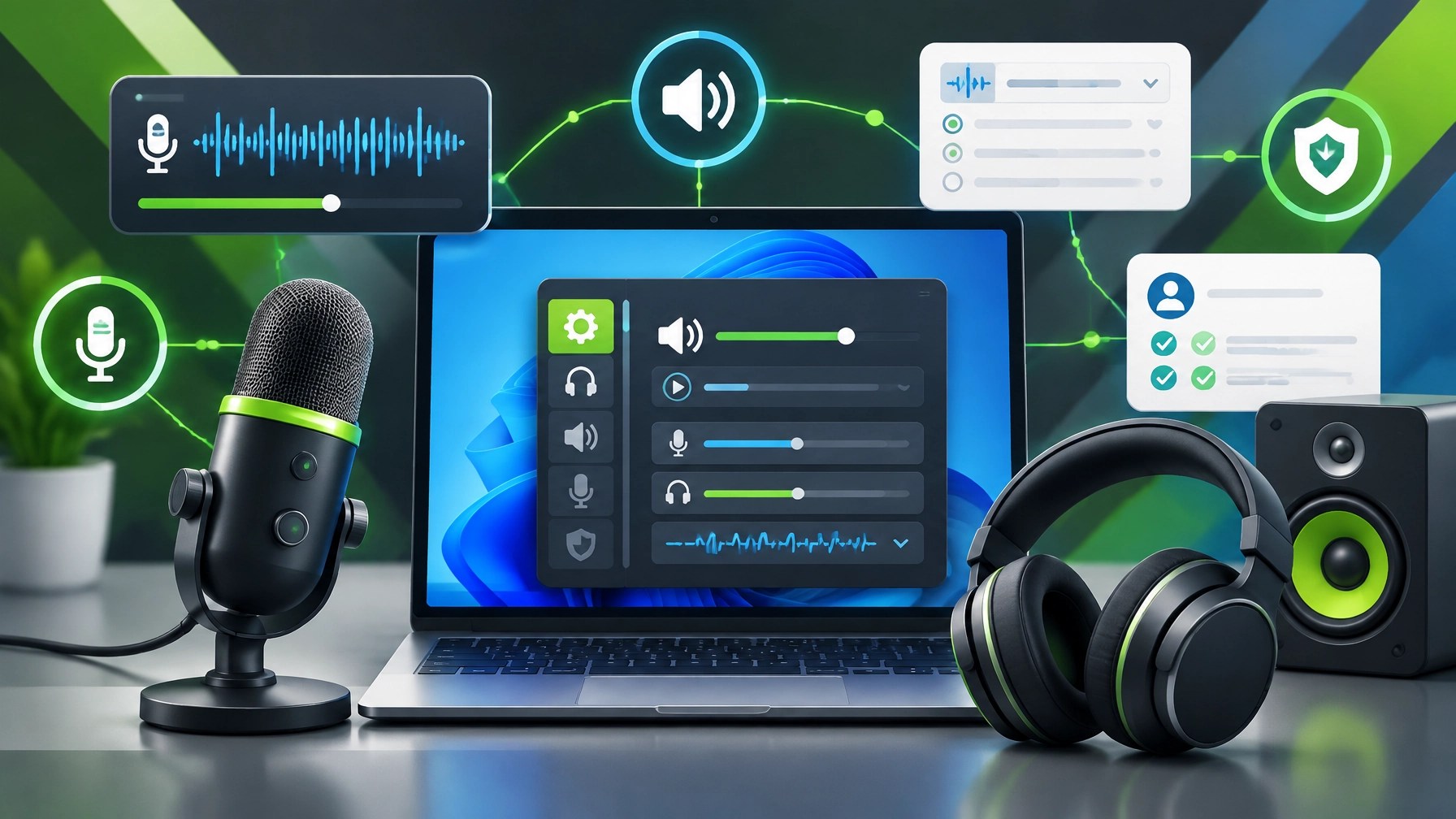
Windows updates can change audio behavior by switching default devices, resetting permissions, loading a different USB Audio Class driver, or creating a sample-rate mismatch. Start with the quick checks below before assuming the microphone has retired from public life:
-
Check the default input and output: Open Settings > System > Sound, confirm the Wireless GO II receiver or connected USB device is selected for both input and output, and verify that the volume level is active.
-
Review app-level permissions: Open Settings > Privacy & security > Microphone, enable microphone access, allow desktop apps to access the microphone, and confirm the affected application is not using a different device under its own audio settings.
-
Inspect USB Audio Class behavior: Disconnect the receiver, restart the computer, try another USB port, and reconnect directly instead of using an unpowered hub. Windows may load a generic USB Audio Class driver, and a port change can clear a recognition or initialization issue.
-
Match the sample rate: In Settings > System > Sound > More sound settings, open the recording device properties, select the Advanced tab, and test a compatible format such as 48 kHz. A mismatch between Windows, the recording application, and the connected device can produce silence, distortion, or unreliable playback.
-
Disable audio enhancements: Open the device properties and turn off enhancements, spatial audio, or aggressive signal-processing features while testing. These options can interfere with microphones, conferencing apps, and external receivers after a system update.
-
Run the built-in troubleshooter: Use the Windows audio troubleshooter after the basic device and permission checks. It can identify muted devices, incorrect defaults, and service-level problems without requiring a full driver deep dive.
If the device works in Windows but fails in one application, focus on that application’s input selection, exclusive-mode settings, and permissions. If multiple audio devices fail, the computer repeatedly forgets the correct device, or driver behavior continues after restarts and port changes, escalate to NetworkRepair1 remote services for secure remote computer support, system diagnostics, configuration review, and practical troubleshooting.
🎥 Why Better Audio Supports Better Product Content
A strong product video needs more than a clean camera angle. Shopify and Amazon sellers need content that demonstrates the product, explains its value, answers common concerns, and gives viewers a reason to keep watching. NetworkRepair1 provides product video services for Shopify and Amazon sellers, along with brand collaborations, tutorials, product reviews, and social media production designed to help businesses present their products with clarity and professional polish.

NetworkRepair1 has reached 13,000 YouTube subscribers and more than 1.1 million lifetime views, creating a growing platform for technology education, product discovery, automotive content, and practical troubleshooting. Visit the NetworkRepair1 video hub to explore tutorials and reviews, or visit the collaboration and sponsorship page to discuss a product feature, sponsored video, or broader content campaign.
🏁 The Roundup Verdict
The RØDE Wireless GO II remains a strong choice for creators and small businesses that need dual-channel wireless audio, built-in microphones, lavalier support, onboard recording, USB-C connectivity, analog camera output, useful range, and dependable battery life in one compact system. Its limitations are clear but reasonable: professional-tier pricing, phone adapters, and gain-setting practice are part of the package. For home office upgrades 2026, product reviews, video calls, tutorials, and Amazon storefront tech gear, the system can significantly improve audio consistency and expand the number of places where professional content can be created.
🚀 Work With NetworkRepair1
- 🎥 Boost product visibility: We create professional product videos for Shopify and Amazon sellers.
- 🤝 Build meaningful partnerships: Let’s collaborate on brand features, reviews, tutorials, and sponsored content.
- 📈 Expand audience reach: Connect with a platform supported by 13,000 YouTube subscribers and over 1.1 million lifetime views.
- 💻 Solve technology problems: We provide remote IT support, small business IT support, network diagnostics, and remote computer support.
- ⚡ Upgrade the workflow: Discover practical electronics and home office upgrades 2026 through our electronics collection.
- 🛒 Don't settle for subpar tech. Grab the professional-grade gear we trust to keep our networks running fast and secure.
📺 These items are featured on the YouTube channel.
📲 Stay Connected
- ▶️ YouTube @networkrepair1
- 🎵 TikTok @networkrepair1
- 📸 Instagram @networkrepair1
- 👍 Facebook @networkrepair1
📞 Contact NetworkRepair1
- 📞 Phone: 805-723-9608
- 📧 Email: oq@networkrepair1.com
- 🌐 Website: https://networkrepair1.com/
- 💻 Remote services: https://networkrepair1.com/remote-services
- 🎬 Videos: https://networkrepair1.com/videos
- 🤝 Collaborate and sponsors: https://networkrepair1.com/colloborate-sponsors
🚀 Let’s collaborate, improve your technology workflow, and grow together.
Leave a Reply