
September 19, 2026 | NetworkRepair1 LLC
Remote Support, Stronger Security, and Smarter Desk Tech
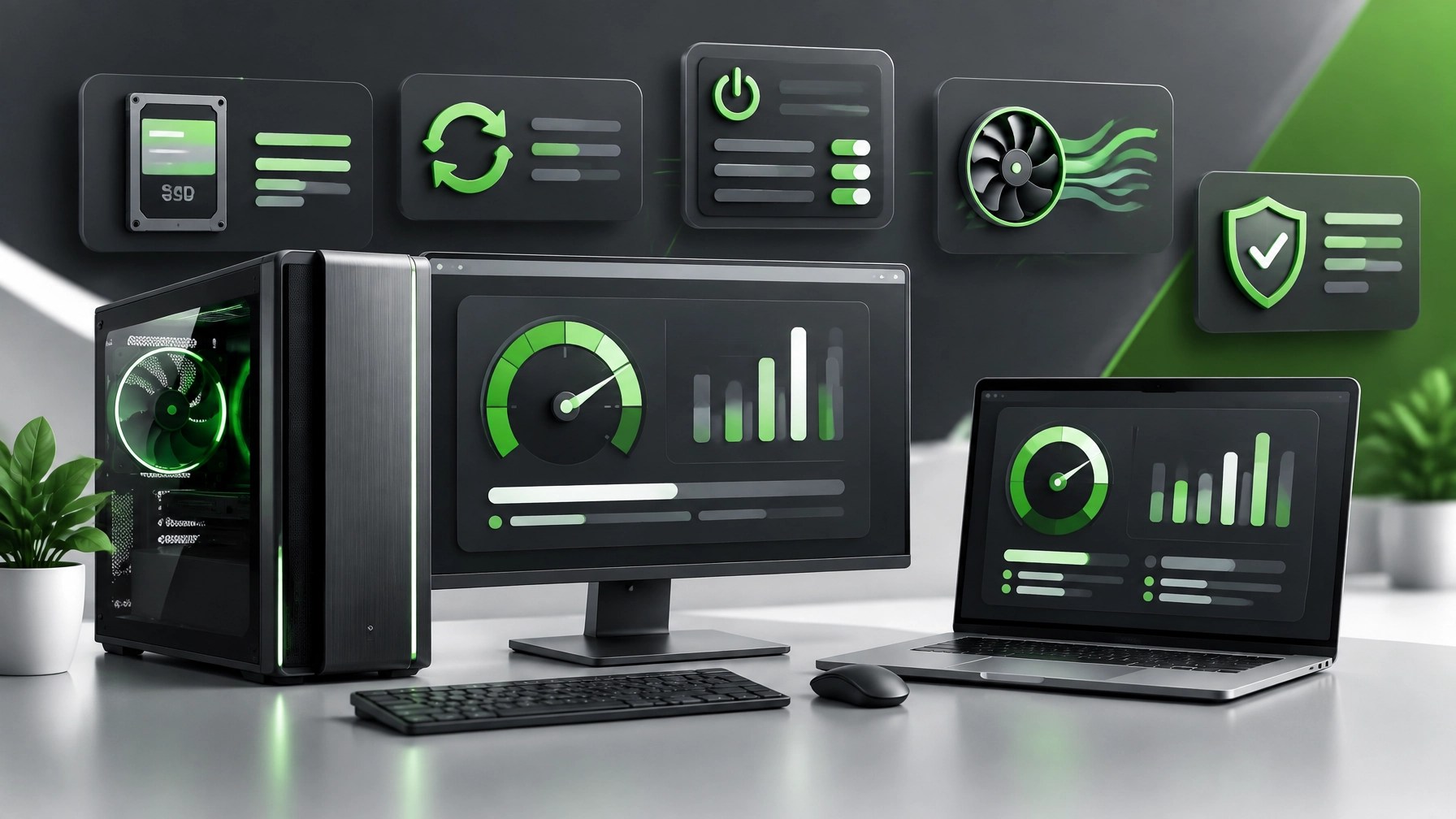
Treat secure remote support, cybersecurity hygiene, and system optimization as crucial foundations for reliable digital work, because every productive workstation depends on controlled access, current software, stable connectivity, and clear technical decisions. Learn the safe-use workflow for Microsoft Quick Assist, beginning with one rule that matters most: remote assistance must start through a trusted channel initiated by the person requesting help, not through an unexpected call, chat, email, pop-up, or urgent message. Quick Assist can support real-time troubleshooting on Windows, but the security risk often comes from social engineering rather than the connection itself, so verify the technician through an official contact path, confirm the purpose of the session, review every permission prompt, and end the connection immediately when the request moves beyond the original support issue. Use a fresh security code for each session, share no passwords or MFA approvals, avoid opening financial accounts while a session is active, and never install additional remote-access software simply because a stranger claims it is required. NetworkRepair1’s remote support service uses Microsoft Quick Assist to help resolve computer issues efficiently, while responsible access controls keep the workflow focused and transparent. 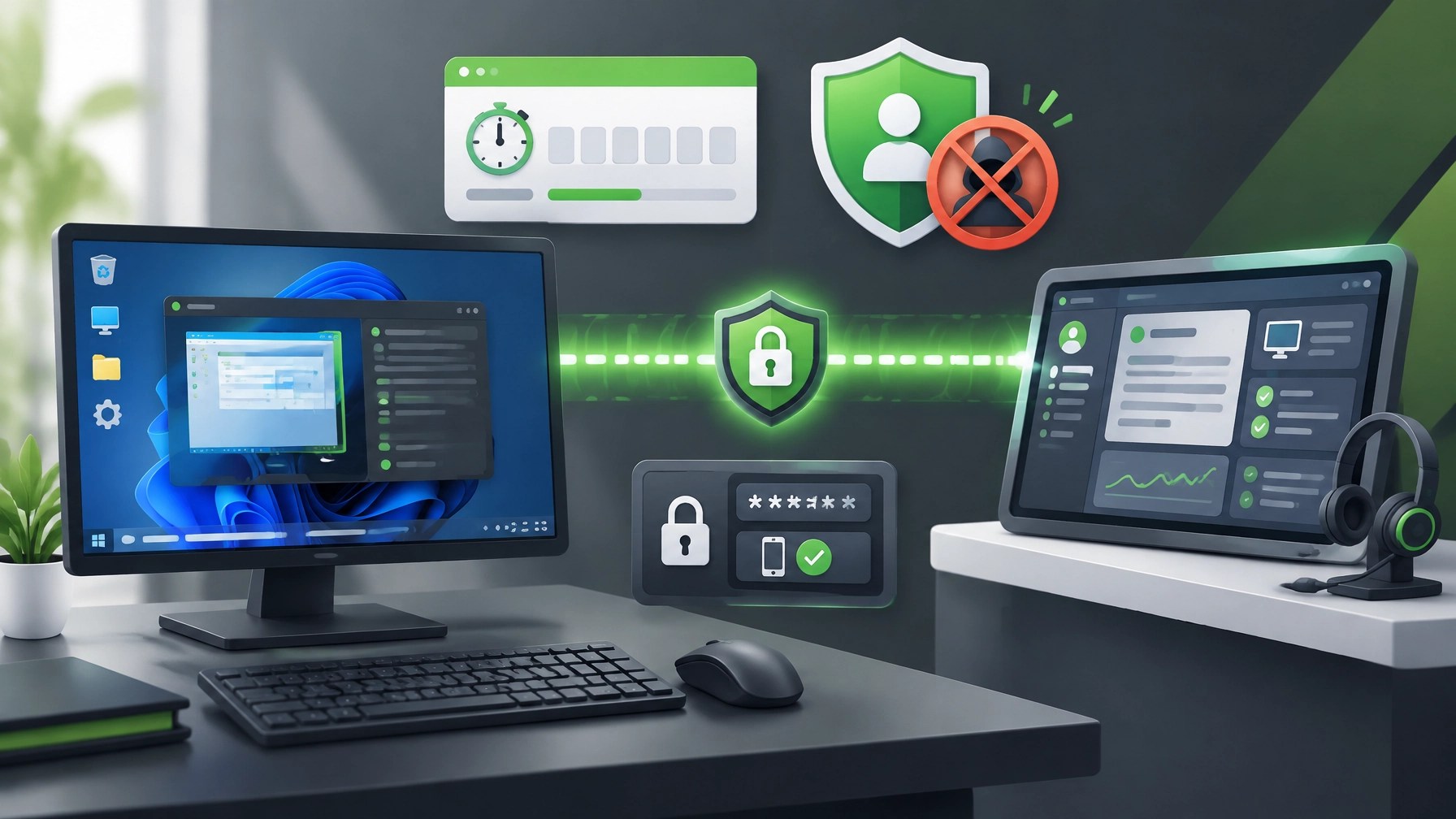 Discover the cybersecurity habits that make remote work more resilient by enabling MFA across Microsoft 365, email, cloud storage, and administrative accounts, separating standard user activity from privileged administration, applying Windows and browser updates, reviewing external collaboration permissions, and removing unused remote-management tools. Strong account security can reduce the impact of stolen credentials, while application control, endpoint protection, and session logging can improve visibility across small-business environments. Establish one clear internal rule for every employee: no unexpected support request deserves a Quick Assist code, screen-sharing approval, MFA confirmation, password, or software installation. Keep a simple reporting path available, preserve suspicious messages, disconnect compromised systems from the network, and arrange professional review when a user has granted control to an unknown party. System optimization belongs in the same security conversation because sluggish devices often encourage unsafe shortcuts, delayed updates, unnecessary downloads, and improvised fixes. Start with Windows Update, browser updates, security definitions, driver maintenance, and firmware checks, then review startup applications, background synchronization, storage capacity, temporary files, and unused software. Storage Sense can clear avoidable clutter, an SSD can improve responsiveness, and current chipset, graphics, USB, and networking drivers can reduce instability across peripherals. Select a balanced power profile for regular office work, use a higher-performance profile for demanding workloads when appropriate, maintain airflow around docked laptops, and inspect recurring crashes instead of treating them as normal aging.
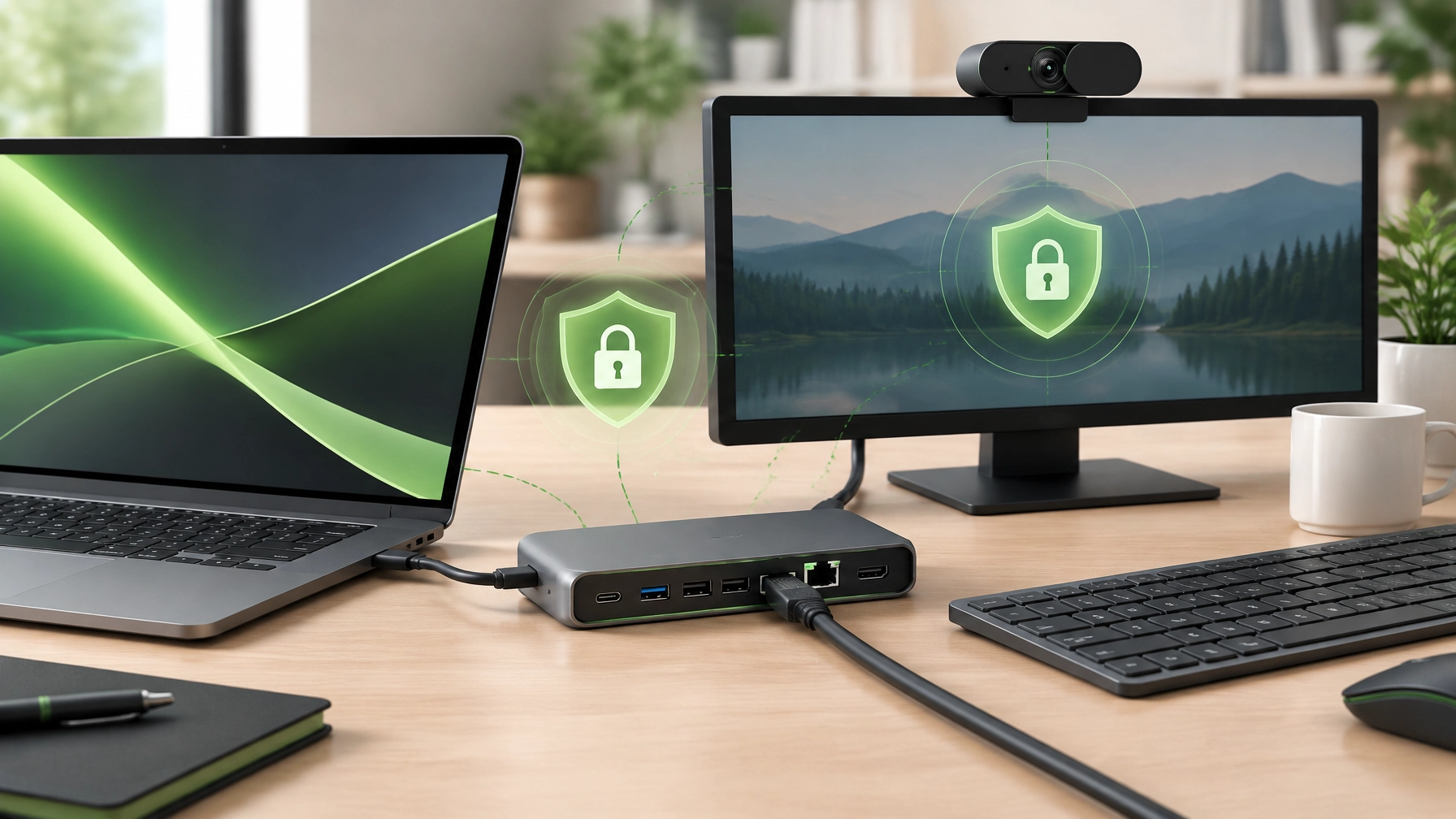
  The home office also deserves a connectivity upgrade, and a capable USB-C dock can consolidate power delivery, displays, Ethernet, keyboard, mouse, webcam, microphone, and external storage into a more dependable workstation. Match the dock’s power-delivery capacity to the laptop, confirm display compatibility, select wired Gigabit Ethernet for stability-sensitive tasks, verify that enough USB ports remain available, and choose a manufacturer that supports firmware updates and security advisories. Avoid unknown docks that require questionable drivers, keep dock firmware current, and treat shared USB ports as untrusted when working with business data. Webcam performance can enhance remote support, client meetings, product demonstrations, and seller content, especially when the camera offers dependable autofocus, clear indoor imaging, a practical field of view, and a physical privacy shutter. Review camera and microphone permissions in Windows, allow access only to approved collaboration tools, and disconnect equipment when it is not required. A clean desk setup also improves troubleshooting because fewer adapters, overloaded hubs, and tangled cables create fewer points of failure. NetworkRepair1’s electronics coverage continues through the electronics collection, with previous editions featuring the RØDE Wireless GO II and DJI Power 1000, two examples of the broader product-focused work available through the brand.
  The RØDE system remains relevant for video calls, tutorials, product demonstrations, podcasts, and short-form content because reliable audio can make technical information easier to follow and product presentations more credible.
  The DJI Power 1000 remains a useful reference point for portable power planning, mobile production, and equipment continuity when a creator or small business needs dependable energy away from a standard desk. The marathon continues for NetworkRepair1, now reaching 13,000 YouTube subscribers and over 1.1 million lifetime views, milestones that reflect sustained interest in practical technology, product education, tutorials, and honest demonstrations. Visit the NetworkRepair1 video hub to explore current content, then connect with us for product video services designed for Shopify and Amazon sellers that need polished demonstrations, clear feature coverage, engaging narration, and reusable video assets for listings, social media, advertising, and brand campaigns. Professional product video can enhance buyer confidence, improve product presentation, increase content consistency, and help sellers expand their reach across digital storefronts. Businesses can also review collaboration and sponsorship opportunities, where NetworkRepair1 develops tailored reviews, tutorials, features, and promotional campaigns for products and services. The most effective technology strategy combines secure support, disciplined cybersecurity, optimized systems, dependable connectivity, and persuasive media, creating a stronger foundation for productivity today and meaningful growth tomorrow.
🚀 NetworkRepair1 Updates
- 🎥 13,000 YouTube subscribers and over 1.1 million lifetime views: Thank you for growing with us.
- 💻 Remote IT support: Get secure troubleshooting, network diagnostics, system optimization, and Microsoft 365 assistance.
- 🛍️ Shopify and Amazon product videos: We create engaging demonstrations and promotional content that can boost product visibility.
- 🤝 Let’s collaborate: Build stronger technology and media results together.
🛒 Curated Tech Picks
Ready to upgrade your tech? Check out our curated list of essential tools to keep you connected and productive.
These items are featured on the YouTube channel.
https://www.amazon.com/shop/networkrepair1?ref_=cm_sw_r_cp_ud_aipsfshop_XV0ER95A5EVVJDPA7W6A_1
📲 Stay Connected
📞 Contact NetworkRepair1
Phone: 805-723-9608
Email: oq@networkrepair1.com
Leave a Reply