
Today’s Focus: Windows 11 Optimization, Quick Assist, and Essential Gear
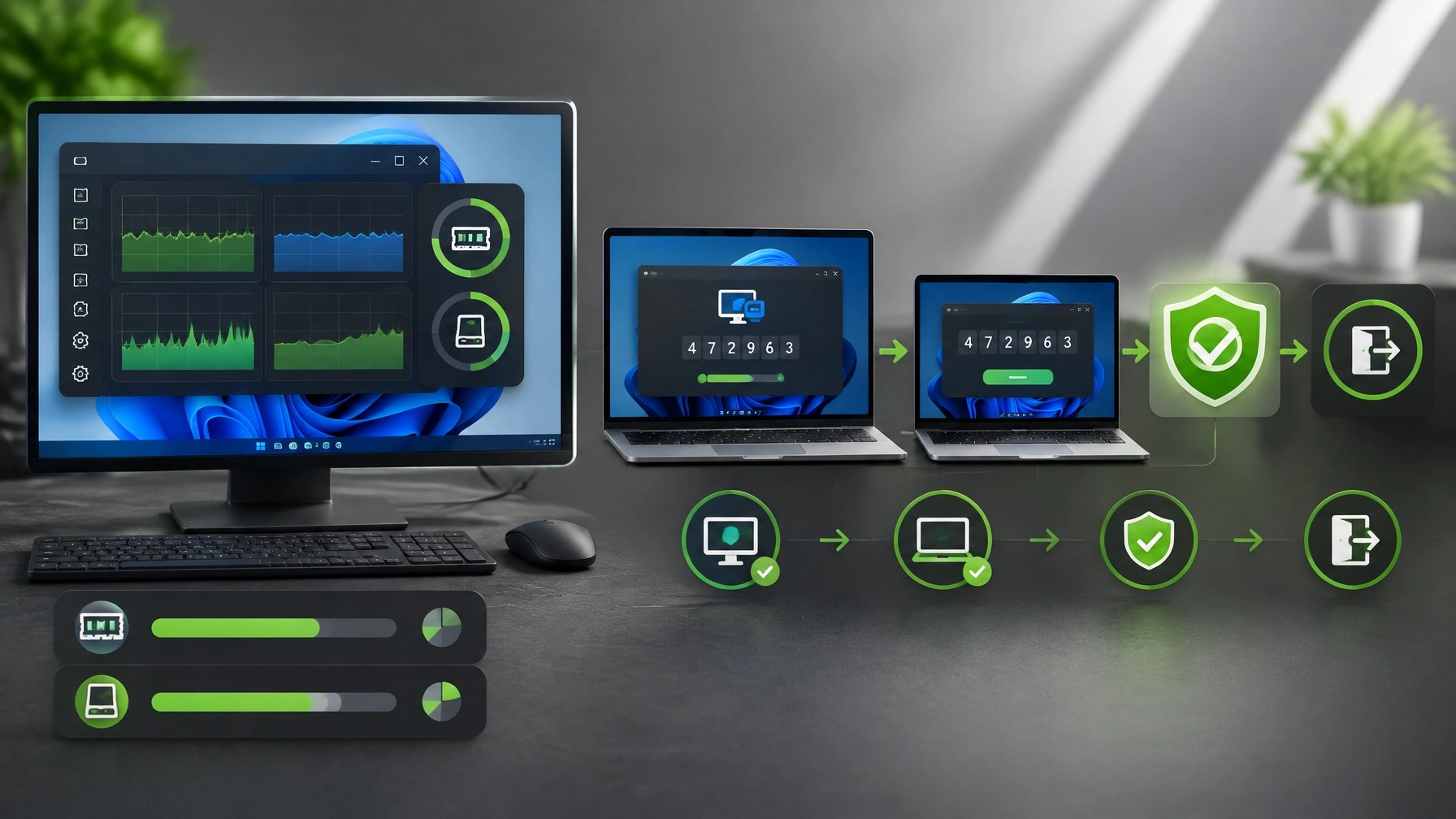
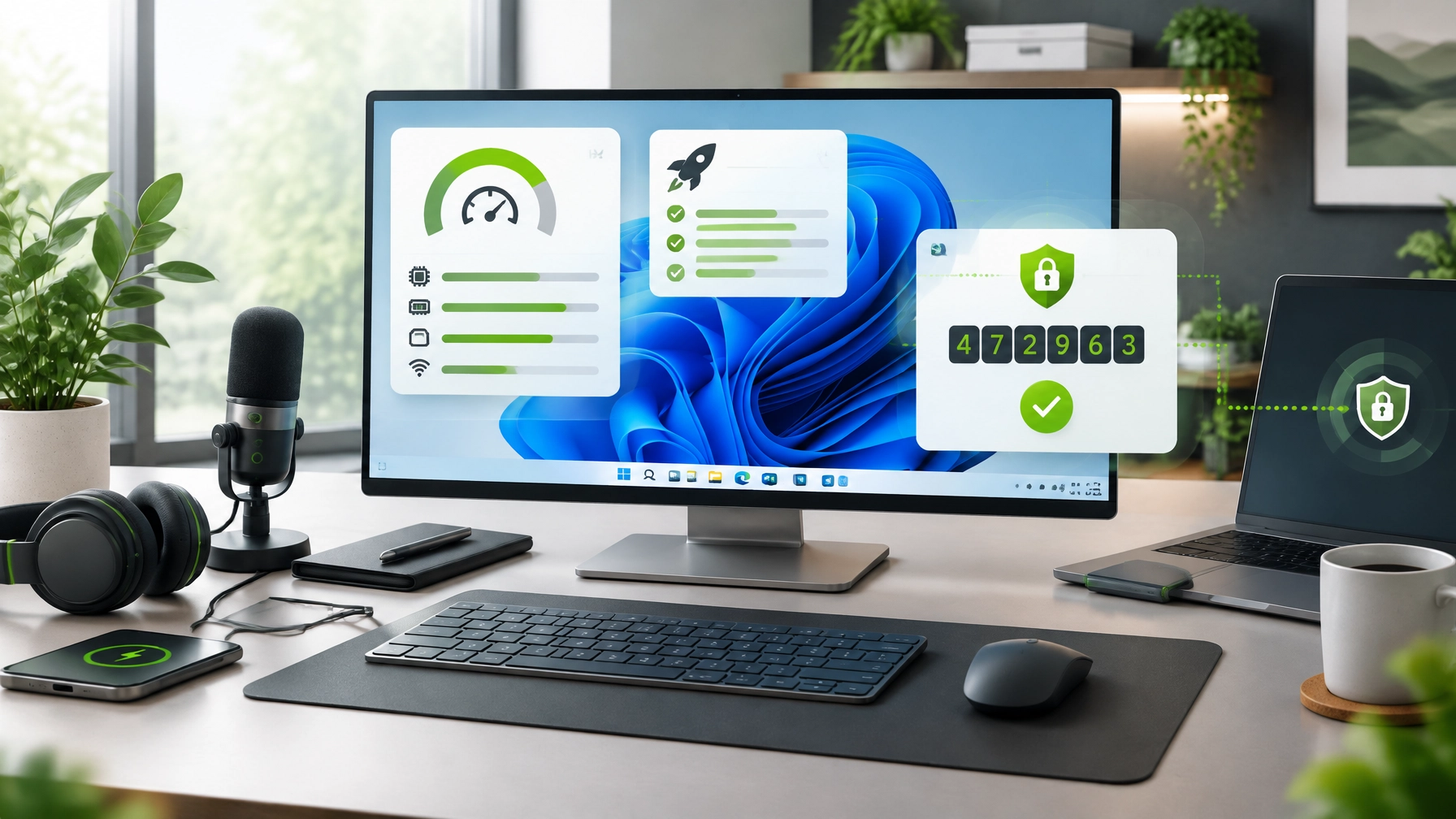
Treat Windows 11 system optimization as crucial for productivity, reliability, and long-term device value, learn how targeted performance tuning can reduce delays, improve responsiveness, and create a stronger foundation for small business IT support, begin with a startup apps audit in Task Manager, review every application listed under Startup apps, sort by Startup impact, and disable non-essential entries that create unnecessary sign-in load while keeping security, backup, communication, and business-critical tools active, continue by reviewing background services and scheduled tasks, disable only non-essential items connected to unused software, outdated utilities, promotional launchers, and redundant update agents, preserve Windows components, security services, hardware drivers, and Microsoft services to avoid stability issues, use Storage Sense and Disk Cleanup to remove temporary files, delivery optimization data, thumbnails, recycle bin content, and other unnecessary system clutter, maintain practical disk headroom so Windows Update, browser caching, application updates, and virtual memory can operate effectively, keep Windows Update current and confirm that chipset, graphics, storage, network, audio, and peripheral drivers remain current through trusted manufacturer or Windows sources, connect power behavior to the device role by using a performance-focused power mode for demanding desktop workloads and balanced settings for everyday laptop use, configure desktops to avoid unnecessary sleep interruptions when used as workstations or media systems, configure laptops to balance battery preservation, thermal control, and responsiveness, and review sleep, hibernation, lid-close, and display-timeout behavior so the system resumes consistently without draining battery or interrupting active work, check RAM and disk headroom before changing advanced settings, identify whether memory pressure or storage saturation is limiting performance, and avoid assuming that visual effects or registry adjustments can solve a hardware capacity problem, monitor performance through Task Manager and Performance Monitor, review CPU utilization, memory pressure, disk activity, process behavior, and resource spikes during normal workloads, then remove browser extensions that duplicate features, inject advertising, consume memory, or remain unused, because extension cleanup can improve browser launch time, tab responsiveness, and web application stability, treat partition resizing and search reindexing as controlled maintenance actions rather than quick performance fixes, back up important data before resizing volumes, allow Windows Search to complete indexing after major file changes, and avoid interrupting indexing during active work because short-term disk activity can increase before long-term search performance improves, measure the result after optimization by recording boot time, idle CPU usage, memory pressure, and key application launch time before and after changes, confirm that the computer reaches the desktop more consistently, verify that CPU usage settles at a lower idle level, check that available memory remains adequate during normal multitasking, and confirm that business applications, browsers, Microsoft 365 tools, and creative software open with fewer delays, use Microsoft’s Windows performance guidance as a reference point, and use Microsoft Quick Assist as the secure, code-based remote computer support route when guided assistance is more effective than self-service, the helper generates a temporary security code, the user enters that code into Quick Assist, the user visibly approves screen viewing or control, the support session remains under the user’s awareness, and the connection ends immediately when the work is complete, never accept unsolicited Quick Assist invitations, never provide a code to an unknown caller, and never allow remote control when the request did not begin through a trusted support relationship, NetworkRepair1 provides remote IT support through Microsoft Quick Assist for Windows performance tuning, Microsoft 365 assistance, cloud setup, troubleshooting, and system optimization, creating a practical route for individuals and small businesses that need secure remote assistance without an on-site visit, the electronics roundup continues with home office upgrades 2026 and summer tech gear 2026 designed around dependable power, clear audio, and convenient mobility, the DJI Power 1000 Portable Power Station offers portable energy for essential electronics, mobile workstations, content equipment, and backup power planning, while the RØDE Wireless GO II Dual Channel Wireless System supports dual-channel wireless audio for filmmaking, vlogging, streaming, podcasting, video calls, tutorials, and product demonstrations, and the Amazon Sling Bag for Kindle adds a compact carrying option for reading devices and everyday travel, browse the NetworkRepair1 electronics collection and the NetworkRepair1 shop for additional Amazon storefront tech gear, and remember that strong product presentation can increase visibility for Shopify and Amazon sellers, NetworkRepair1 creates product reviews, demonstrations, tutorials, unboxings, feature highlights, and social media content that can explain product value across digital channels, explore the video services and collaboration and sponsorship opportunities to develop content aligned with product launches, seller campaigns, and brand growth, NetworkRepair1 has reached 13,000 YouTube subscribers and more than 1.1 million lifetime views, the marathon continues, and the combination of technical guidance, trusted remote support, and professional media production can help businesses expand their reach, enhance customer confidence, and grow with greater momentum.
🚀 Gear Picks and Storefront
-
⚡ DJI Power 1000: Portable power for connected workspaces, travel, and emergency readiness.

-
🎙️ RØDE Wireless GO II: Dual-channel audio for reviews, tutorials, livestreams, and product storytelling.

-
📚 Amazon Sling Bag for Kindle: Compact organization for reading and mobile technology.
These items are featured on the YouTube channel.
Ready to upgrade your tech? Check out our curated list of essential tools to keep you connected and productive.
Amazon storefront
🎥 Product Video Services
- 🛍️ Shopify and Amazon sellers: Showcase products with professional content.
- 📦 Unboxings and demonstrations: Highlight setup, usability, and value.
- 📱 Social media content: Expand reach across short-form and long-form platforms.
- 🤝 Let’s collaborate: Grow your brand together through meaningful product storytelling.
🏁 The Marathon Continues
- 🏆 13,000 YouTube subscribers
- 👀 More than 1.1 million lifetime views
- 🚀 Professional tech support and product media built for growth
📲 Connect With Us
📺 @networkrepair1
🎵 @networkrepair1
📸 @networkrepair1
📘 @networkrepair1
Phone: 805-723-9608
Website: networkrepair1.com
Leave a Reply