
Microsoft Quick Assist: Secure, Code-Based Remote Support
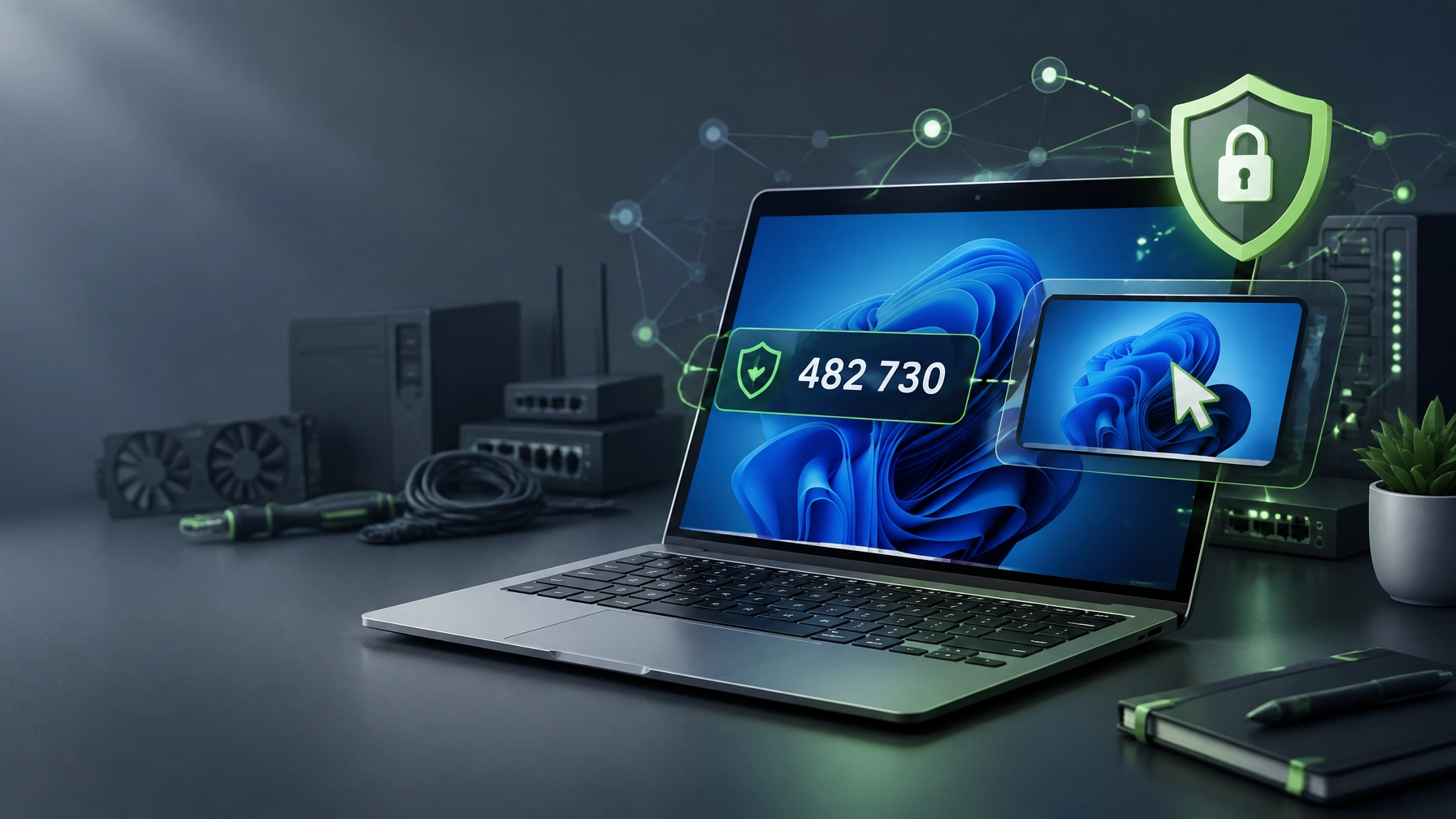
Secure remote IT support is crucial for maintaining productivity, protecting business systems, and resolving technical issues without unnecessary travel. Learn how Microsoft Quick Assist creates a trusted, user-approved connection through a temporary security code, understand the difference between screen viewing and full control, and discover why scheduled remote computer support can improve response time for individuals and small businesses. The helper opens Quick Assist, selects the assistance option, signs in when prompted, and generates a temporary six-digit security code, while the person receiving help opens Quick Assist, enters that code, and reviews the permission prompt before allowing the connection; the code is session-specific and time-limited, so it must be treated as sensitive access information, not as a permanent password, and the official Microsoft Quick Assist guidance provides the current workflow.  Screen viewing allows the support specialist to see the Windows desktop, identify error messages, review settings, and guide corrective actions without operating the device, while full control requires a separate user approval and allows the specialist to use the mouse and keyboard for performance tuning, Microsoft 365 and cloud setup, malware cleanup, network diagnostics, driver review, system optimization, and related troubleshooting; this distinction gives you control over the session and allows access to be revoked through the control cancellation or session exit options. Quick Assist fits best when a known technician, internal administrator, or trusted support relationship needs to resolve a Windows issue in real time, including slow startup, application problems, Microsoft 365 sign-in issues, cloud configuration, connectivity failures, suspicious system behavior, and routine optimization, while it is not a substitute for unattended enterprise management and it should never begin from an unsolicited call, pop-up, email, or social message. Prepare the Windows machine before the appointment by checking Windows Update status, completing pending updates when appropriate, restarting the computer, reviewing Task Manager for unusual CPU, memory, disk, or startup activity, confirming adequate disk headroom, checking current drivers, maintaining a stable internet connection, closing private documents, and confirming account sign-in readiness for Microsoft 365 and other cloud services; these steps can improve session efficiency, reduce interruptions, and give small business IT support a clearer technical baseline.
  Safety rules remain essential: never accept an unsolicited Quick Assist invitation, never share a security code with an unknown caller, never approve full control without a trusted support relationship, never leave a session active after the work is complete, and end the connection as soon as the agreed service is finished; secure remote IT support depends on authorization, visibility, and user approval at every stage. The same outcome-focused approach applies to NetworkRepair1 services, where remote computer support can cover network setup and diagnostics, Microsoft 365 support, cybersecurity and malware removal, cloud assistance, system optimization, and proactive technical guidance through the Remote IT Support service page, helping individuals and growing companies stay connected without an on-site visit. The product side of today’s roundup continues with practical electronics for creators, mobile professionals, and home offices, including the DJI Power 1000 Portable Power Station, which provides portable energy for laptops, cameras, networking equipment, and other field-production needs, and the RØDE Wireless GO II Dual Channel Wireless System with Built-in Microphones, which supports video calls, tutorials, product demonstrations, interviews, streaming, and social media production through a compact dual-channel setup.
 Add the Amazon Sling Bag for Kindle for compact device transport, then explore the NetworkRepair1 electronics collection and the full NetworkRepair1 shop for technology that can strengthen a mobile workstation, creator kit, or home office upgrades 2026 plan. These selections support the broader summer tech gear 2026 conversation by combining reliable power, clear audio, portable organization, and practical equipment choices that can help you create, communicate, and work with greater consistency.
🚀 Support / Promo Desk
- 💻 Need remote computer support? Connect with us through Remote IT Support for secure troubleshooting and system assistance.
- 🎥 Sell on Shopify or Amazon? We create reviews, demonstrations, tutorials, unboxings, feature highlights, and social media content through NetworkRepair1 product videos.
- 🤝 Let’s collaborate: Start a brand partnership through Collaborate & Sponsors, and grow product visibility together.
⚡ Gear Picks
- 🔋 DJI Power 1000: Reliable portable energy for mobile workstations, production equipment, and connected devices.
- 🎙️ RØDE Wireless GO II: Dual-channel audio for reviews, tutorials, interviews, calls, and creator content.
- 👜 Amazon Sling Bag for Kindle: Compact carry support for portable reading and everyday tech essentials.
- 🛍️ Explore more: Browse the electronics collection and shop page for additional gear.
🏆 Milestones
- 📺 13,000 YouTube subscribers: A growing technology and product-focused audience.
- 👀 More than 1.1 million lifetime views: Meaningful reach for brands seeking product exposure.
- 📈 Boost product discovery: We help businesses expand visibility through clear, useful, and engaging content.
🤝 Connect
These items are featured on the YouTube channel. Don't settle for subpar tech. Grab the professional-grade gear we trust to keep our networks running fast and secure.
https://www.amazon.com/shop/networkrepair1?ref_=cm_sw_r_cp_ud_aipsfshop_XV0ER95A5EVVJDPA7W6A_1
📞 Contact
- 📞 805-723-9608
- 🤝 Let’s collaborate and grow together.
Leave a Reply