
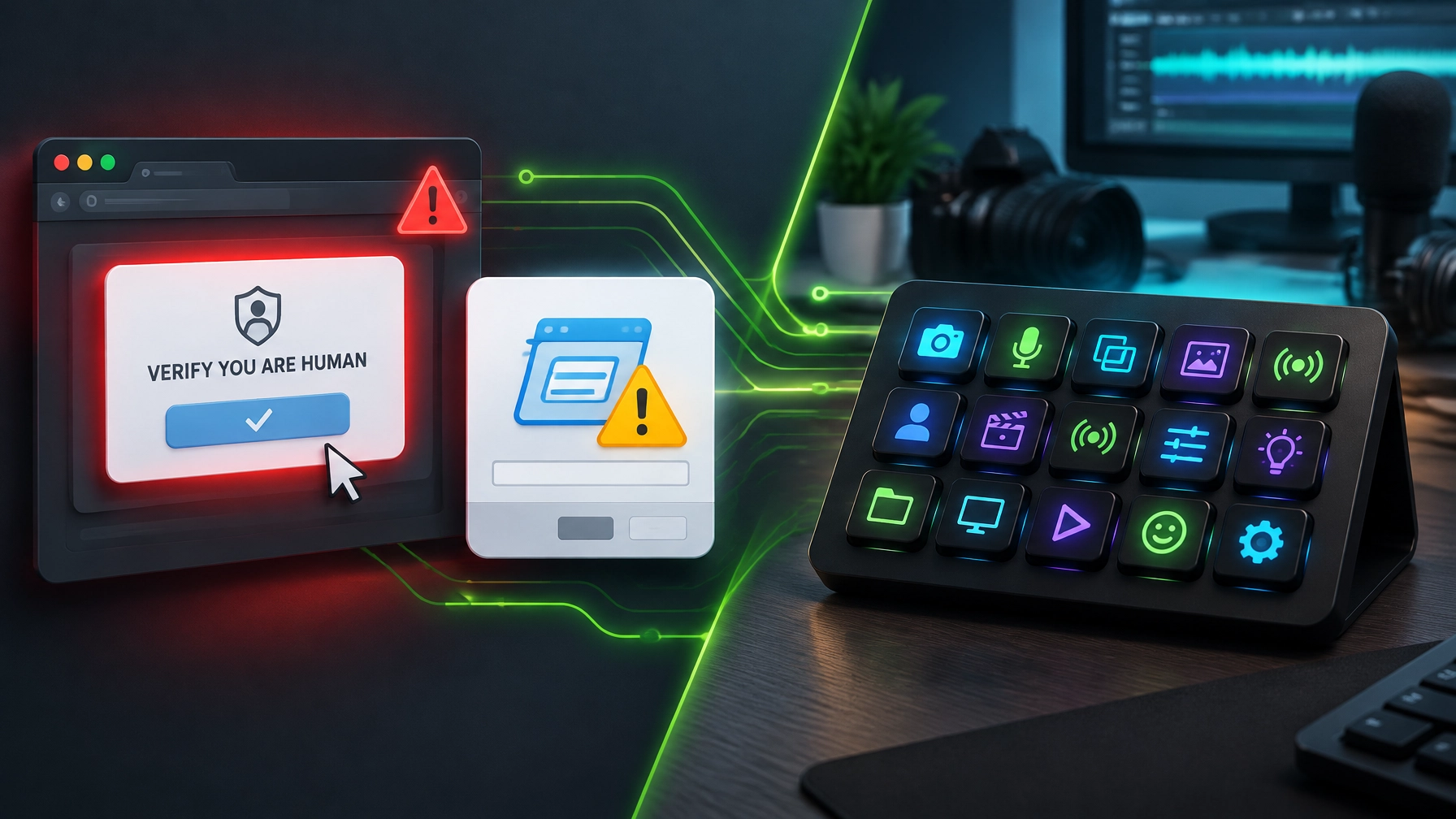
Treat every unexpected verification step as a security decision, not a tiny speed bump: ClickFix scams turn the familiar “verify you are human” moment into an invitation to run an attacker’s code. A compromised website, malicious ad, or search result can lead to a convincing fake CAPTCHA or browser-update prompt, then direct a visitor to open Windows Run, PowerShell, Terminal, or another command interface and paste text the page has quietly placed on the clipboard. The trick is simple, the consequences are not: Microsoft has documented ClickFix campaigns delivering infostealers and remote access tools, while CISA says Interlock ransomware actors have used the technique for initial access. If a website asks for a command to prove you are human, the correct verification is closing the page. 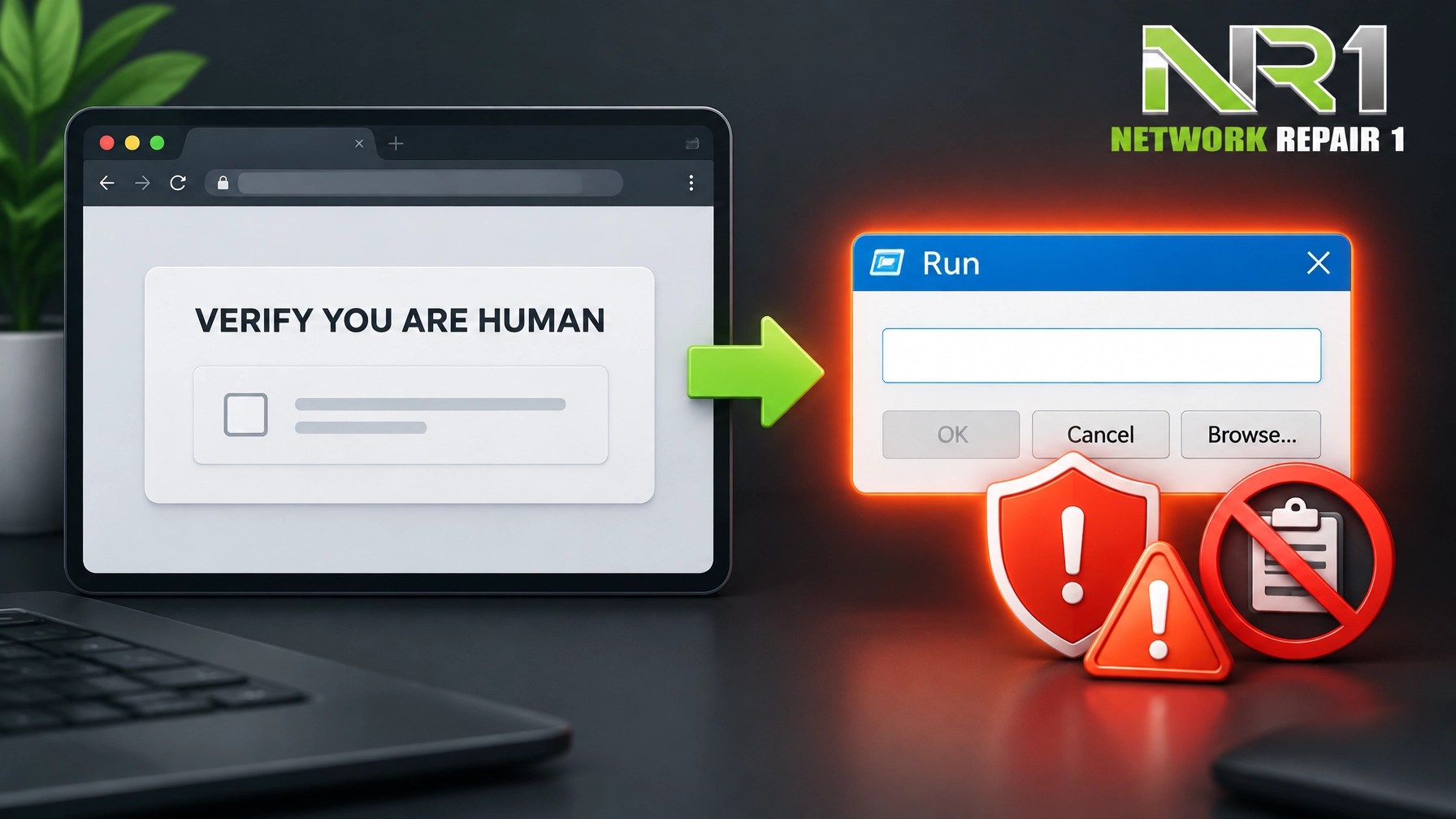 Learn the key tell: a legitimate CAPTCHA asks for an interaction in the browser, not a command pasted into a system utility. Treat surprise browser-update prompts with the same skepticism, especially when a page asks for keyboard shortcuts or offers “fix” instructions. Microsoft’s February 2026 reporting on CrashFix described a campaign that deliberately disrupted browsers, then used a fake security warning to persuade victims to run commands; its later stages delivered a Python-based remote access trojan. In August, Microsoft detailed a macOS campaign that hid ClickFix lures behind a server-side fingerprinting gate, meaning a page that looks harmless to an automated scanner may show a different experience to a real person on a Mac. The lesson applies across operating systems: a polished page, familiar logo, or reassuring progress spinner does not make a pasted command safe. Push Security’s September detection report adds useful context, but read its figures as company-specific telemetry, not a universal census: ClickFix and related techniques averaged 52% of Push detections through Q2 and reached 67% in August. Push also reported that four in five ClickFix payloads it intercepted in 2026 came through search engines, underscoring why email filtering alone cannot cover the risk. Build a small-business routine around prevention, not guesswork: tell staff never to paste commands from a website into Run, PowerShell, Terminal, or another shell; no legitimate CAPTCHA or ordinary update check requires it. Where work allows, disable the Windows Run dialog for standard users, apply least-privilege access, and limit administrative rights so one mistake cannot easily become an organization-wide incident. Restrict script execution through a broader application-control policy and signed-script requirements, while remembering that a single setting is not a complete security boundary. Keep browsers and operating systems patched, use endpoint protection and web filtering, and train staff to report suspicious verification pages instead of trying to “fix” them. If a command was already run, disconnect the affected device from the network when appropriate, notify the organization’s IT or security contact promptly, and report cybercrime to IC3.gov. Now for a decidedly safer one-touch shortcut: the Elgato Stream Deck MK.2 puts 15 customizable LCD keys on a compact USB 2.0 control pad, so streamers, creators, and busy pros can launch scenes, mute microphones, start calls, open apps, or trigger macros without menu-diving.
  Elgato lists a US price of $149.99; the listed dimensions are 118 × 84 × 25 mm, with a weight of 145 g without the stand and 270 g with it, and the included USB-C-to-USB-C cable connects over USB 2.0. The technical specifications supplied for the MK.2 list Windows 10+ and macOS 10.15+ compatibility, while Elgato’s current product page shows newer software requirements, so check the latest app requirements against the computer before buying.
 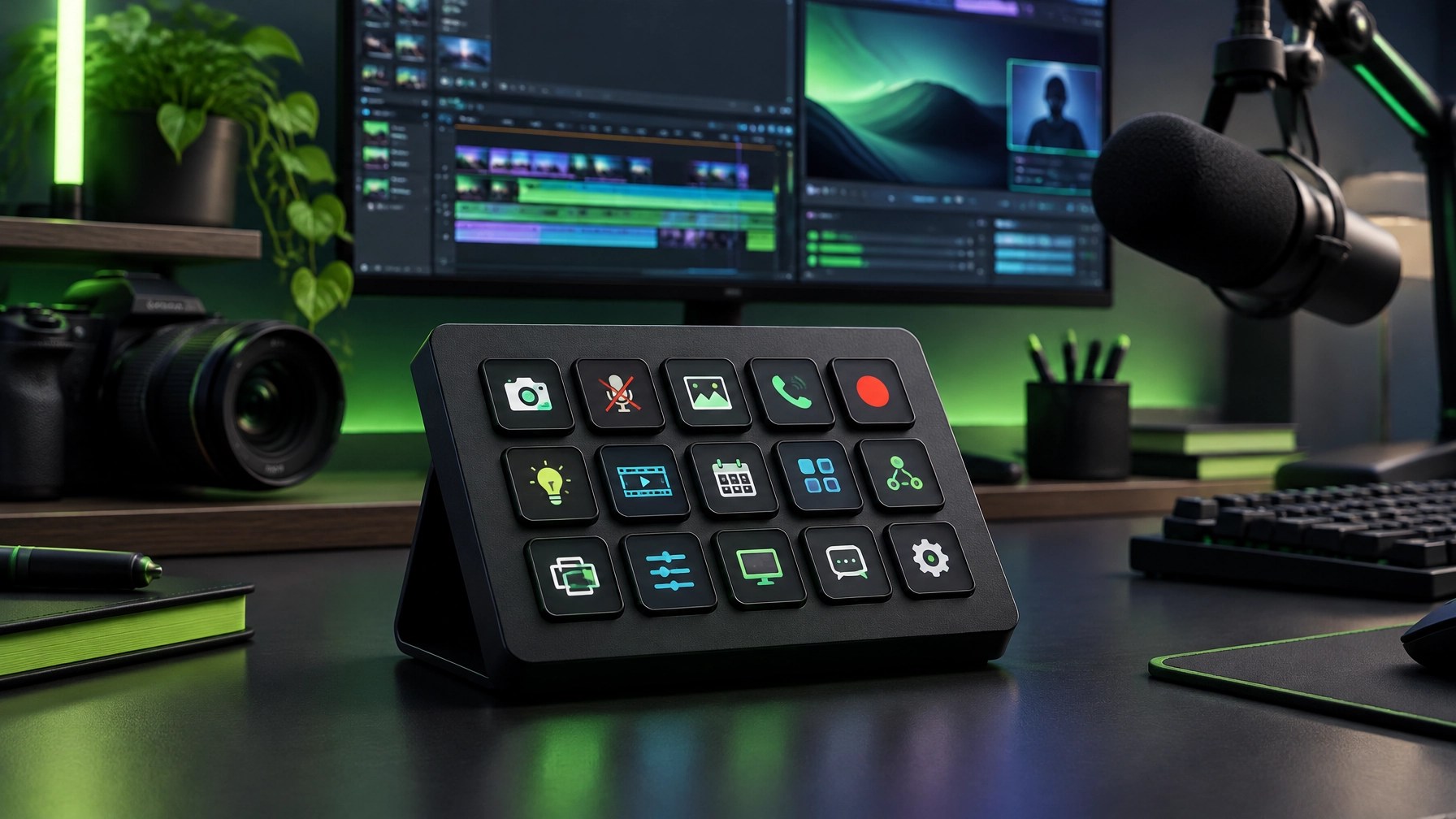 The appeal is less “more buttons” than fewer interruptions: assign a key to switch a scene, mute a mic, start a meeting, or run a repeatable sequence, then build profiles around the work in front of you. That makes the MK.2 a practical fit for streaming, content production, meetings, and recurring desktop workflows, provided the chosen apps and plugins support the actions being assigned. For Network Repair1, it also sits at the crossroads of our two specialties: creators can make their workflow smoother, while reliable remote IT support can help keep the computer, network, and production setup working together. Small businesses can get more from creative tools when the technical foundation is stable, and brands can reach an engaged audience through clear product videos and useful reviews. The real “one more step” worth keeping is the one that makes a workflow easier, not a suspicious page asking for a command.
Daily Links
- Microsoft: Think before you Click(Fix), an analysis of the social-engineering technique
- CISA: #StopRansomware, Interlock advisory AA25-203A
- Microsoft: CrashFix variant deploying a Python remote access trojan
- Microsoft: How a macOS ClickFix campaign learned to hide
- Push Security: ClickFix detection data and trends for H2 2026
- Elgato: Stream Deck product page and current US price
- Elgato: Stream Deck MK.2 technical specifications
Grow with Network Repair1
Network Repair1 has reached 13,000 YouTube subscribers and 1.1 million+ lifetime views. Thank you for helping us grow a community around practical technology, product discovery, and useful content.
Promote with Network Repair1
🎥 Showcase a Product
✨ Let’s collaborate: We create product videos and brand collaborations for Shopify and Amazon brands. Explore sponsor and collaboration opportunities.
💻 Keep Your Business Connected
🛠️ Get remote IT support: We help with troubleshooting, network diagnostics, Microsoft 365, cloud setup, and more. Explore remote services.
🚀 Grow Together
🤝 Partner with us: Let’s create useful content, strengthen your setup, and expand your reach together.
Loved today's review? You can find this product and all our top picks on our official Amazon storefront.
The items mentioned are featured on the YouTube channel.
https://www.amazon.com/shop/networkrepair1?ref_=cm_sw_r_cp_ud_aipsfshop_XV0ER95A5EVVJDPA7W6A_1
805-723-9608
▶️ https://www.youtube.com/@networkrepair1
🎵 https://www.tiktok.com/@networkrepair1
📸 https://www.instagram.com/networkrepair1/?hl=en
📘 https://www.facebook.com/networkrepair1/
Leave a Reply