

Welcome to Wednesday’s roundup, where a ransomware deadline has passed without a confirmed ransomware attack, and a capable desk monitor is making a case for a tidy upgrade. Let’s get into the details, without giving cybercriminals the drama they ordered.
Security Brief
Japan’s GMO Internet Group is dealing with a public standoff after attackers breached its Onamae.com Desktop Cloud service. GMO detected unauthorized access on October 20 and shut down the service the next day to contain the incident. The company reported malicious programs on 26,739 customer servers, roughly 27,000, and began investigating the affected systems.
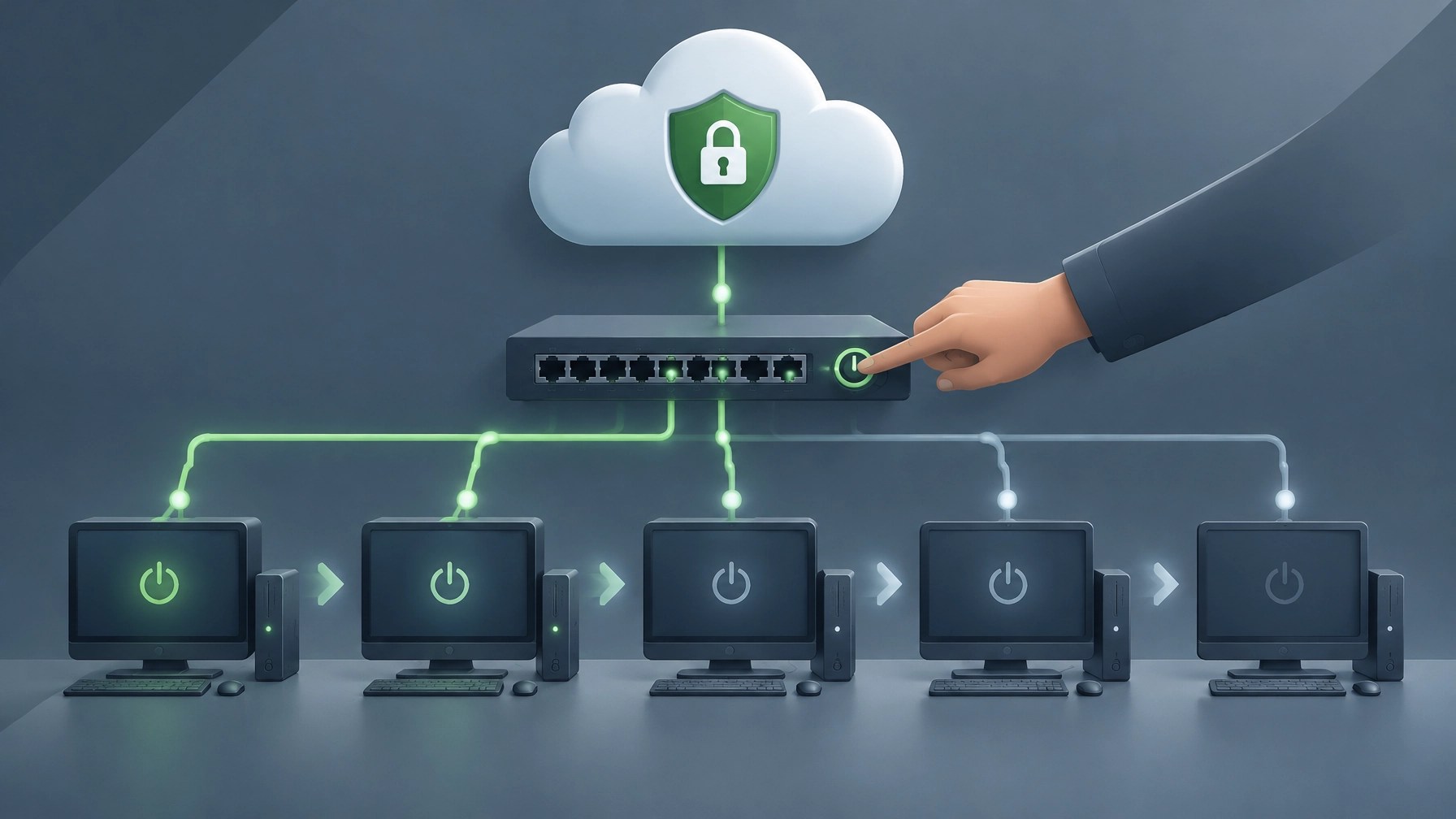
The attackers set October 27 as a deadline, threatening to publish customer information and activate ransomware unless GMO paid. GMO refused. On October 27, the attackers published material they claimed contained company and customer information. GMO said it was verifying the contents, so the publication itself does not establish that every claim or file is authentic. As of the company’s latest update that day, no ransomware attack had been confirmed, and its device analysis was still ongoing. A deadline can make a threat louder; it does not make the threat’s claims verified.
GMO nevertheless told customers to back up their data, disconnect their computers from the network, and power them off. That instruction is serious, but not mysterious: customer machines can become a second stage of an attack. If a cloud provider issues an incident notice with direct device guidance, follow it promptly and use the provider’s official site or known support channels to verify instructions. Do not visit or redistribute alleged stolen data. GMO warned that people accessing the attackers’ site could have information collected, and also cautioned customers about phishing messages impersonating the company or related organizations.
Customers had also reported unauthorized trading losses. GMO said it would compensate those losses and make goodwill payments, while preparing legal action against people spreading the published material. It is also working to move users to new infrastructure. For small businesses, the practical takeaways are clear: keep offline or immutable backups so a provider outage does not become a recovery crisis, review cloud and financial accounts after a breach notice, and change credentials from a clean device when exposure is possible. Enable multifactor authentication and watch for suspicious sessions or transactions.
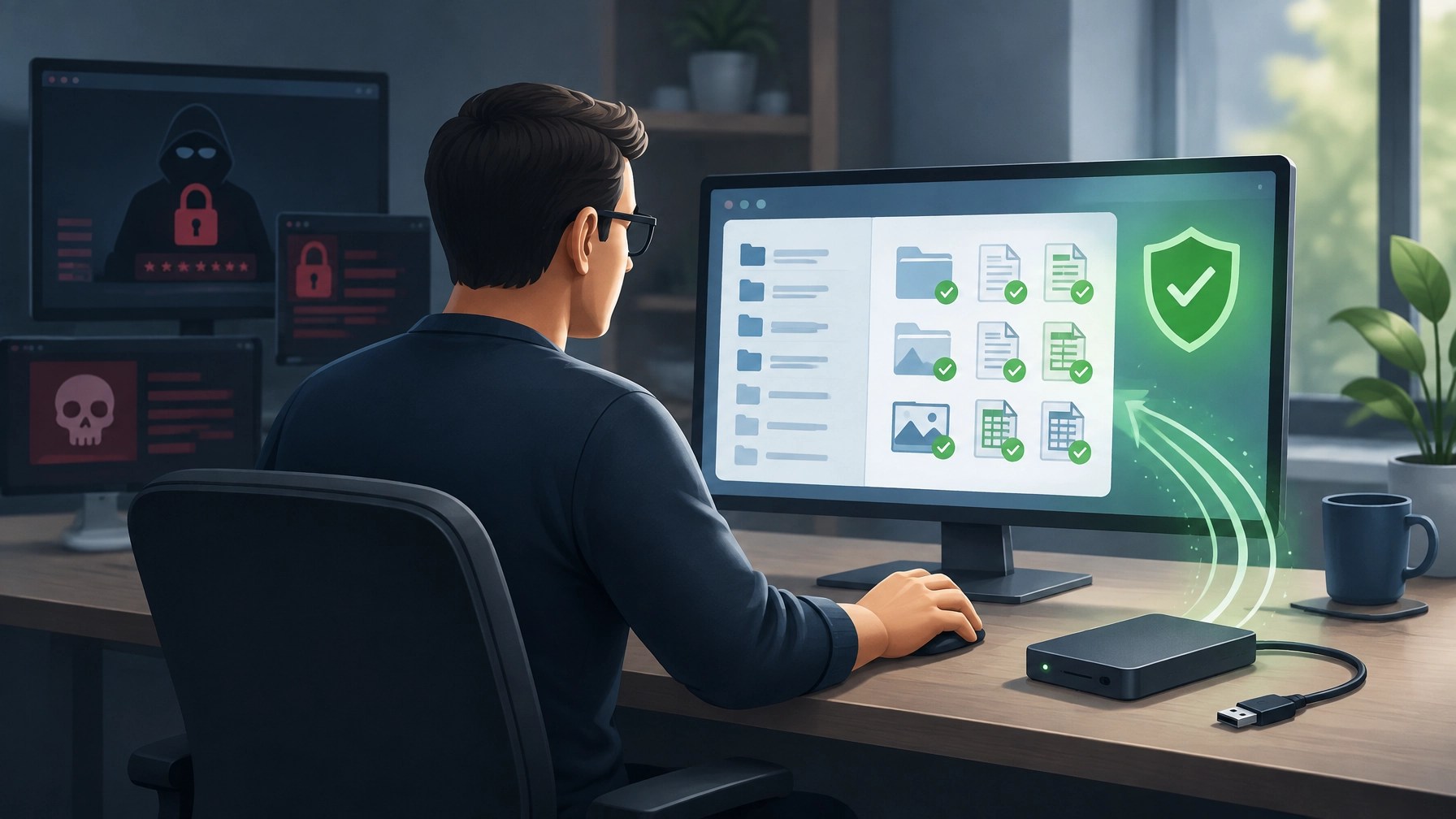
There is a useful distinction between a provider’s response and a customer’s resilience. GMO detected the intrusion, shut down the service, refused to fund the attackers, and communicated publicly as the situation developed. Those steps do not erase the impact for customers, but they show why calm containment matters. Attackers increasingly use public deadlines to pressure organizations into fast decisions. A payment cannot guarantee data deletion or prevent misuse, while prepared backups, clear incident procedures, and prompt isolation can preserve options when a provider is in the blast radius.
Desk Upgrade
The Gigabyte M27Q2 QD looks like a sweet-spot monitor for a small-business desk that also hosts an after-hours gaming session. It is a 27-inch QHD display, with a 2560 x 1440 resolution, SuperSpeed IPS panel, Quantum Dot color technology, and 99% DCI-P3 color gamut. That combination brings a crisp workspace and broad color coverage without moving to a larger, more demanding 4K display.
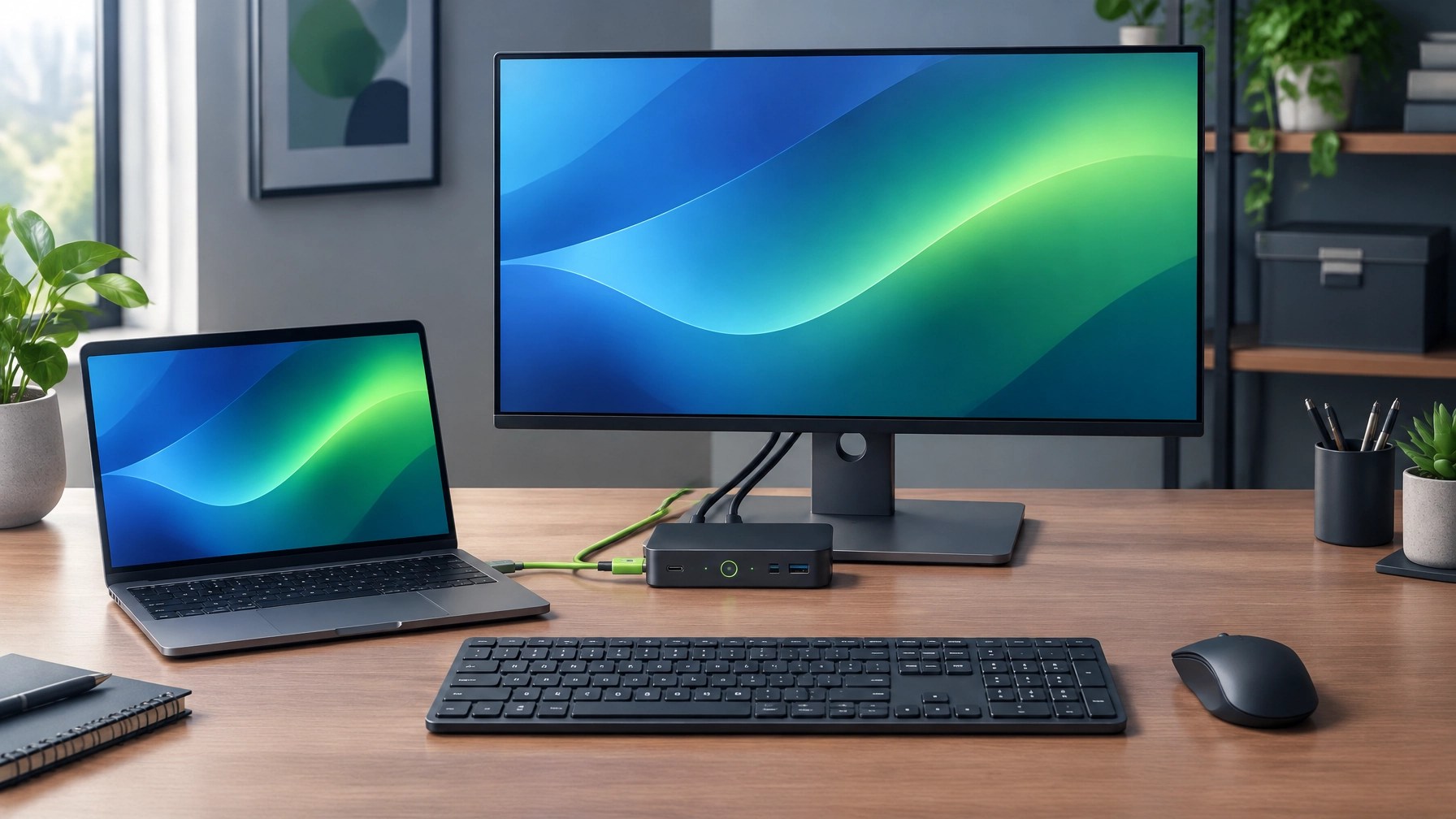
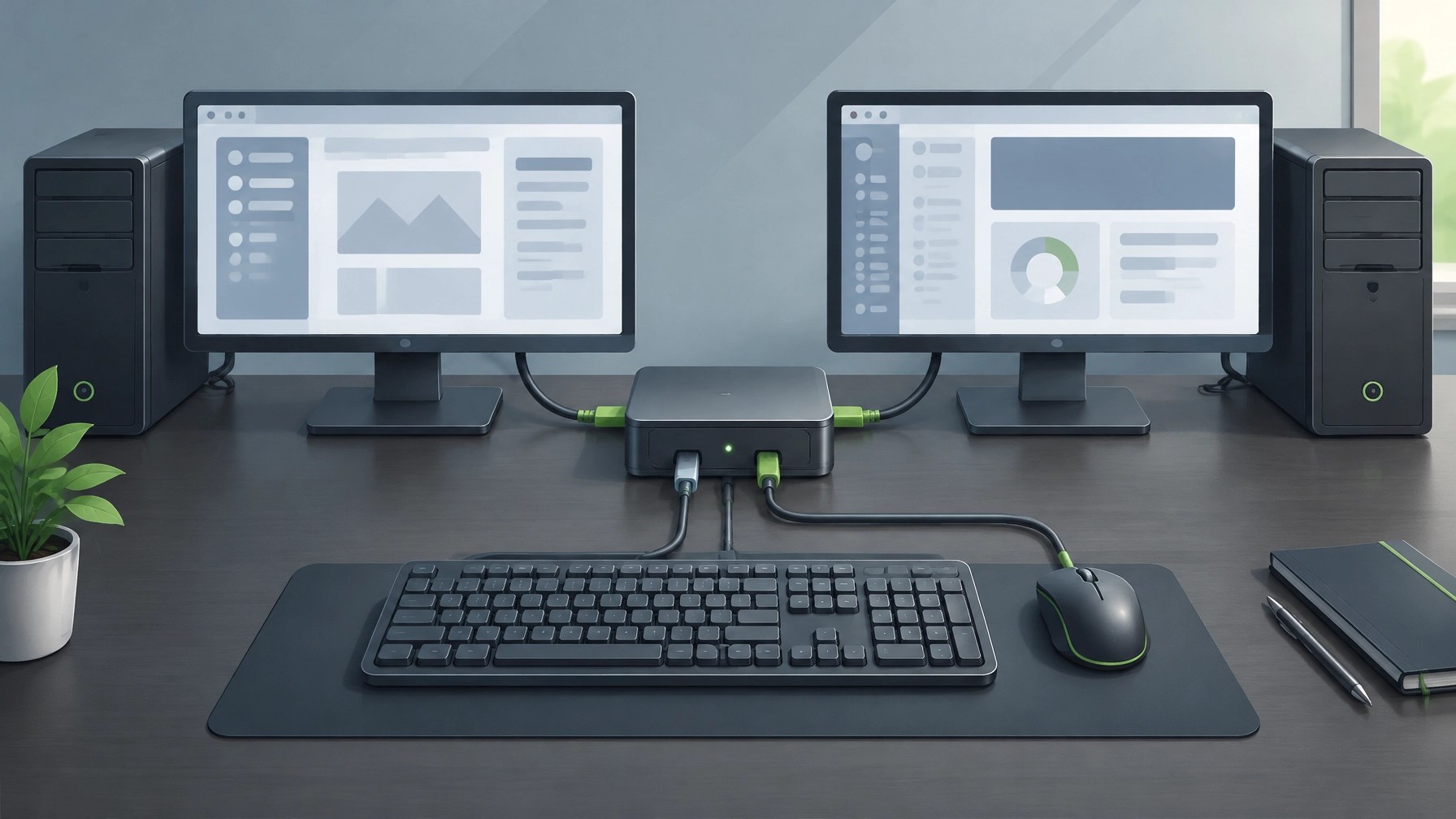
The headline refresh rate is 200Hz native, with an overclock option up to 210Hz, plus a 1ms GtG response time and G-Sync compatibility. For work, the built-in KVM switch can connect two computers and let them share one keyboard and mouse. USB-C adds an easy connection for a laptop, although its 18W power delivery is not enough to charge most laptops. The stand offers 130mm of height adjustment, tilt, swivel, and pivot for portrait orientation, which makes it easier to fit the monitor to a desk and working style.
The tradeoffs deserve equal billing. DisplayHDR 400 is listed, but reviews describe HDR performance as lackluster, and real brightness can fall short of the rated specification. There are no built-in speakers, and professional color work may call for manual calibration out of the box. In short, this is a versatile screen for everyday work and gaming, not a substitute for a calibrated reference monitor or a serious HDR display.
Recent deal reporting has put the M27Q2 QD around $159.99, down from a $249.99 list price, roughly 36% off. Amazon has shown that price, and Woot’s October 27 monitor clearance is another place to check for fluctuating monitor deals. Pricing and availability can change, so confirm the current offer, listing, and return terms before buying. If the deal is still live, the KVM, QHD resolution, and high refresh rate make a compelling package for a flexible desk. Skip it if strong HDR or laptop-charging power over USB-C is essential.
Daily Links
Security Brief
- TechCrunch: GMO says hackers posted stolen customer data
- BleepingComputer: GMO urges customers to shut down PCs amid ransomware threat
- GMO Internet Group: Tenth incident report
- The Japan Times: GMO computer shutdown coverage
- NHK World: Incident coverage
Desk Upgrade
- Deal listing: Gigabyte M27Q2 monitor
- 9to5Toys: Woot monitor clearance
- PCGearWiki: Gigabyte M27Q review
- Gigabyte: M27Q2 specifications
- Digital Citizen: M27Q2 QD deal coverage
Grow with Network Repair1
🎉 13,000 YouTube subscribers and 1.1M+ lifetime views: Thank you for helping our technology and product coverage reach a growing audience.
🎥 Explore our YouTube channel for product reviews, tutorials, and practical tech content.
Promote with Network Repair1
🛍️ Shopify and Amazon sellers: We create product videos designed to showcase what makes your products stand out.
💻 Remote IT support: Get help with troubleshooting, network issues, system optimization, and more through our remote support services.
🤝 Let’s collaborate: We can create engaging content together to boost your product visibility and social presence. Explore collaboration opportunities.
Ready to upgrade your tech? Check out our curated list of essential tools to keep you connected and productive.
The items mentioned are featured on the YouTube channel.
805-723-9608
Leave a Reply