

Welcome to the October 29 edition of the Daily Tech & Product Roundup. Today’s security brief covers a serious Broadcom WPS flaw that can turn nearby Wi-Fi access into router-level compromise, while the desk upgrade spotlight lands on a discounted MSI gaming laptop with a capable graphics chip and a few predictable budget trade-offs. One story is a reminder that network equipment deserves a place on the maintenance list; the other is a reminder that “gaming laptop under $1,000” still means choosing where to compromise.
Security Brief: WPSplinter Is a Nearby-Wi-Fi Problem With No Easy Fix

Security researcher Quentin Kaiser disclosed the Broadcom WPS flaw dubbed “WPSplinter” on October 16. The issue is in Broadcom’s implementation of Wi-Fi Protected Setup (WPS), where mishandling the reassembly of fragmented setup messages can corrupt router memory. An attacker within radio range can send crafted Wi-Fi messages and run code as root on vulnerable Broadcom-based routers, without knowing the network password and without completing a pairing step. This is not an internet-wide remote attack, but proximity is enough to make it consequential for networks within reach.
Kaiser demonstrated two exploitation techniques. Against an Orange Belgium Askey TCG3000 gateway, he built a memory-read technique that could expose the Wi-Fi password, or pre-shared key, over the air and use it to join the network. Against a Proximus Sagemcom BBOX3V+ gateway, he demonstrated a reverse shell delivered through Wi-Fi frames, with no outside server required. The vulnerable code dates back to at least 2010, and the issue is estimated to affect millions of devices across dozens of vendors.
The chip families determine how bleak the outlook is. Older eCos-based models using BCM3380, BCM3383, and BCM33834 are considered permanently unpatchable. A “forever day” flaw. Newer Linux-based BCM3390, BCM65xx, and BCM68xx models could be addressed only if vendors move away from the affected Wi-Fi software and switch to hostapd. Broadcom shipped an incomplete fix in 2018 and told customers to use hostapd, but reportedly declined to register a CVE. CERT/CC closed the case the same day it was raised, leaving the flaw without a CVE identifier.
There are no reported real-world attacks at this time; the demonstrated exploits are Kaiser’s research. Defenders also have no patch or router setting that blocks this over-the-air attack. WPS is a convenience feature worth disabling when it is not needed, but switching it off is not a fix for WPSplinter. YARA rules for extracted firmware and a listening script can help with triage, but they do not confirm that a particular gateway is vulnerable or safe.

For small businesses, the operational lesson is direct: the router or ISP gateway is often the one device nobody remembers to patch, yet it sits at the boundary of the whole network. Check with the ISP or vendor about the exact gateway model, firmware status, and remediation plan. If equipment is on an unpatchable platform, replacement is the practical option; build that into a network upgrade plan rather than waiting for a failure to force the decision. Kaiser has described the technique as suited to attackers who can reach a target over nearby Wi-Fi rather than the internet, a proximity approach Russian state hackers have used to breach networks from across the street. For remote network assessment and router or gateway guidance, Network Repair1 can help review the equipment and plan next steps.
Desk Upgrade: MSI Cyborg 15 at Walmart
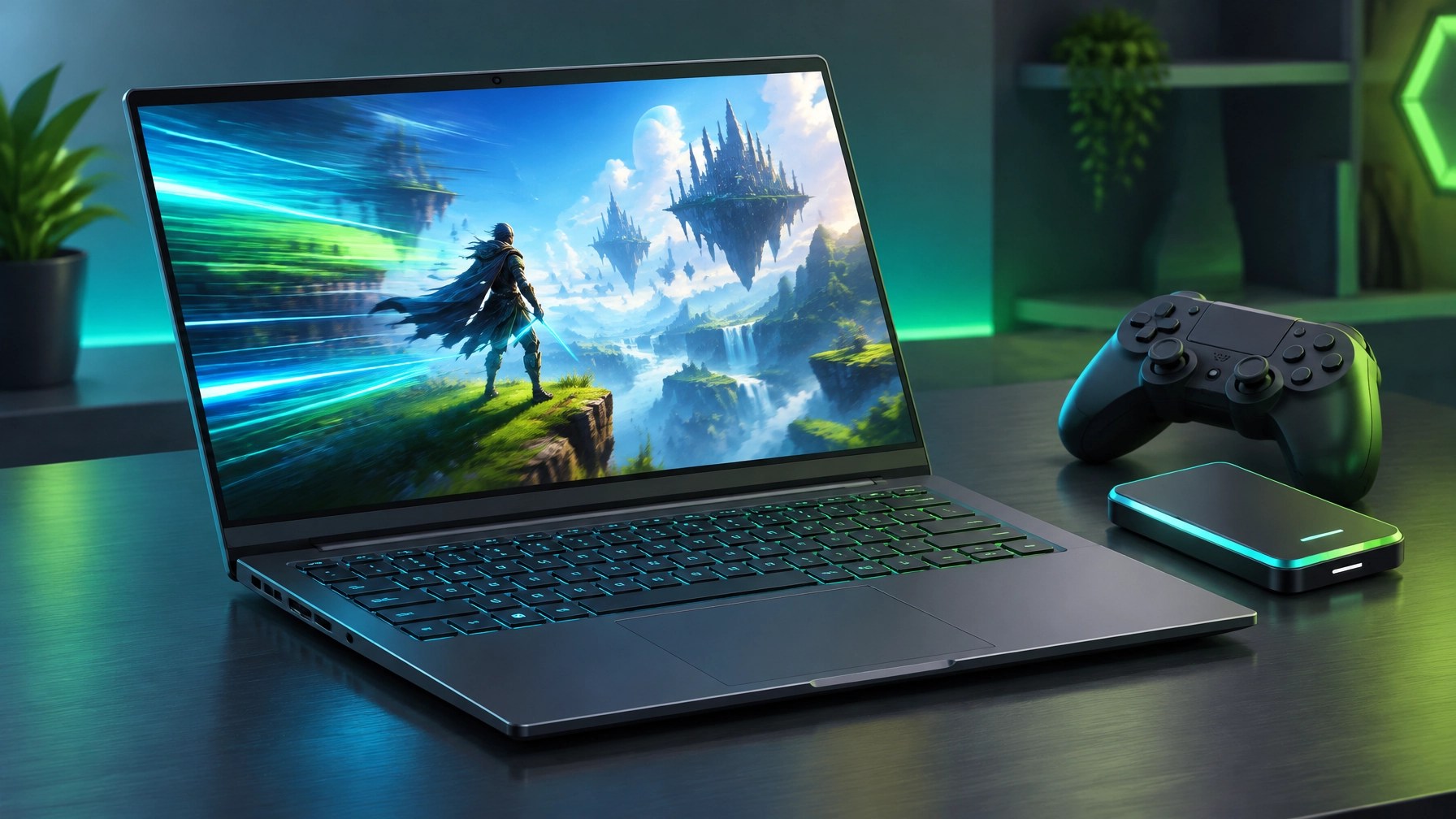
TechRadar reported on October 22 that the MSI Cyborg 15 was listed at Walmart for $899, reduced from $1,299-a $400 discount. The configuration includes a 15.6-inch Full HD 144Hz IPS display, Intel Core i5-13420H, NVIDIA GeForce RTX 5050 with 8GB GDDR7 and up to 70W, 16GB DDR5 RAM, a 512GB NVMe SSD, and Windows 11. TechRadar gave previous versions of the Cyborg 15 four stars and called it “a solid budget gaming laptop.”
The strongest fit is 1080p play in less-demanding titles, indies, and older games. Fortnite, Roblox, and League of Legends are among the cited options at medium settings, while demanding games may require graphics settings to come down. The laptop also makes sense as a general-purpose machine for students who want one device for coursework and gaming, without paying for a higher-tier system.
The trade-offs deserve equal billing. A 512GB SSD is stingy for a 2026 gaming laptop, so a rotating game library, or later storage expansion, may be part of the deal. The build is plastic-heavy, and the RTX 5050’s power limit means that “gaming” does not translate to max settings across the board. The Walmart listing price and availability may change; the value here is a 144Hz screen and dedicated GPU at a budget-friendly price, provided the compromises match the intended use.
Daily Links
- Broadcom Wi-Fi flaw lets attackers in range run code as root on routers. The Hacker News
- MSI Cyborg 15 RTX 5050 deal reported by TechRadar
Grow with Network Repair1
A milestone worth celebrating: Network Repair1 has reached 13,000 YouTube subscribers and surpassed 1.1 million lifetime views. That growing audience reflects the value of practical technology coverage, product reviews, and media content built to inform and engage.
Thank you to everyone watching, sharing, and supporting the channel. These milestones strengthen our ability to help people make informed tech decisions and help brands connect with an active audience.
Promote with Network Repair1
🎥 Shopify and Amazon sellers: We create engaging product videos that can showcase features, support customer understanding, and boost brand visibility.
🤝 Let’s collaborate: Explore product video and sponsorship opportunities and grow together.
💻 Remote IT support: Get help with troubleshooting, network diagnostics, and technical guidance through Network Repair1 Remote Services.
📺 YouTube
🎵 TikTok
📸 Instagram
📘 Facebook
📞 805-723-9608
Loved today's review? You can find this product and all our top picks on our official Amazon storefront.
The items mentioned are featured on the YouTube channel.
Leave a Reply