
Welcome to the Friday edition. Today’s security brief focuses on the quiet attacks hiding inside everyday business tools, then we switch to a portable power station that can help keep a small office connected when the lights blink out.
Security Brief
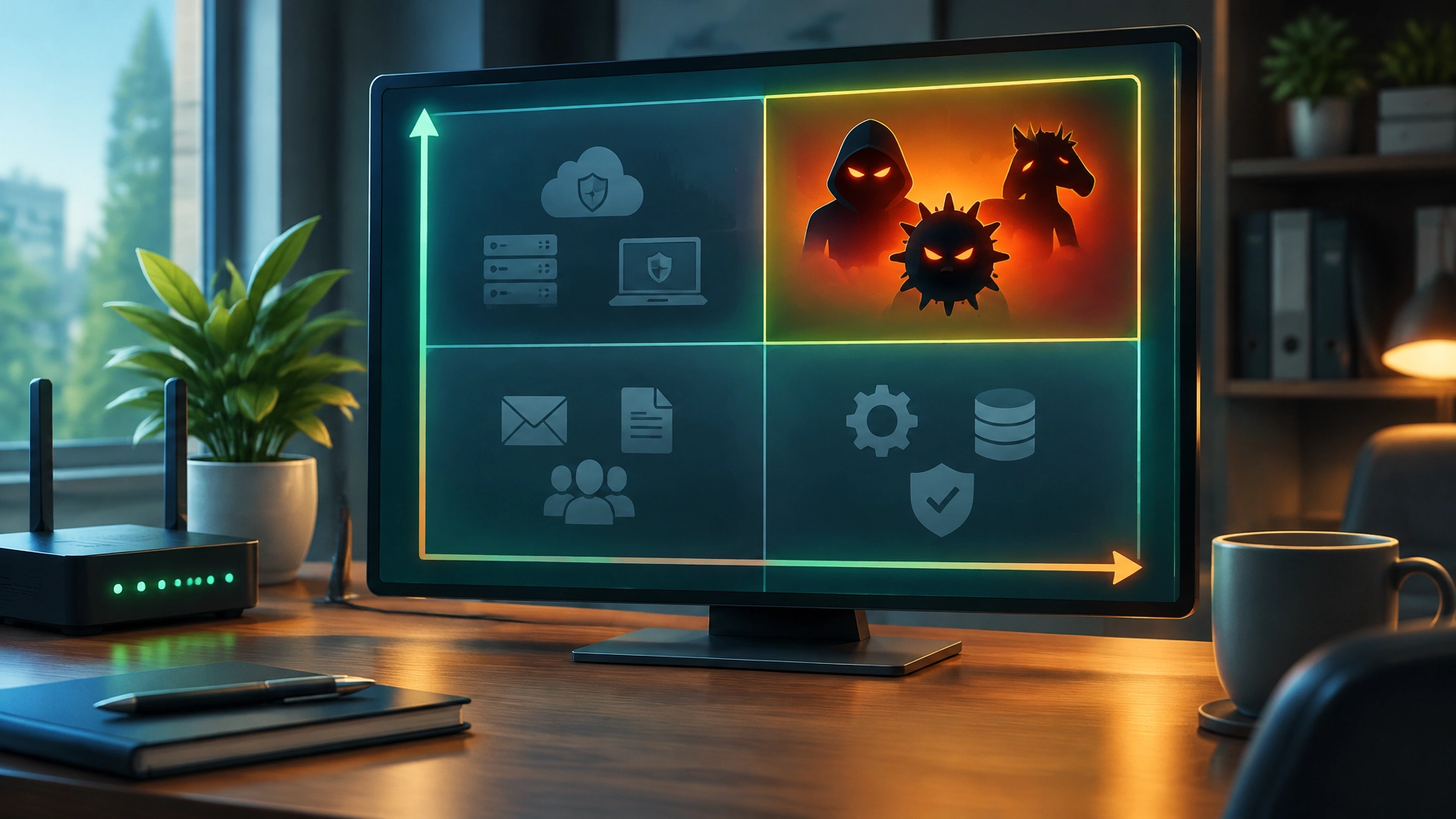
Huntress’s “Tragic Quadrant,” covered by BleepingComputer on October 27, ranks the cyber tactics causing real trouble for small and midsized organizations. It draws on telemetry from more than 5 million endpoints and 15 million identities across nearly 300,000 organizations. The useful takeaway: the headline-grabbing breach is not always the one that brings a business down. Often, it is the quiet abuse of tools and workflows people already trust.

The quadrant’s top-right “OH $#!T corner” puts three tactics at the top of the watch list:
- RMM abuse: In Q1 2026, 45% of endpoint incidents investigated by Huntress involved attackers installing rogue remote monitoring and management tools. Because legitimate IT teams use RMM software, an unauthorized install can blend into ordinary admin activity while giving attackers persistent access, potentially one step away from ransomware. AI-generated fake document-share notices and service-agreement lures can make the install prompt look convincingly routine.
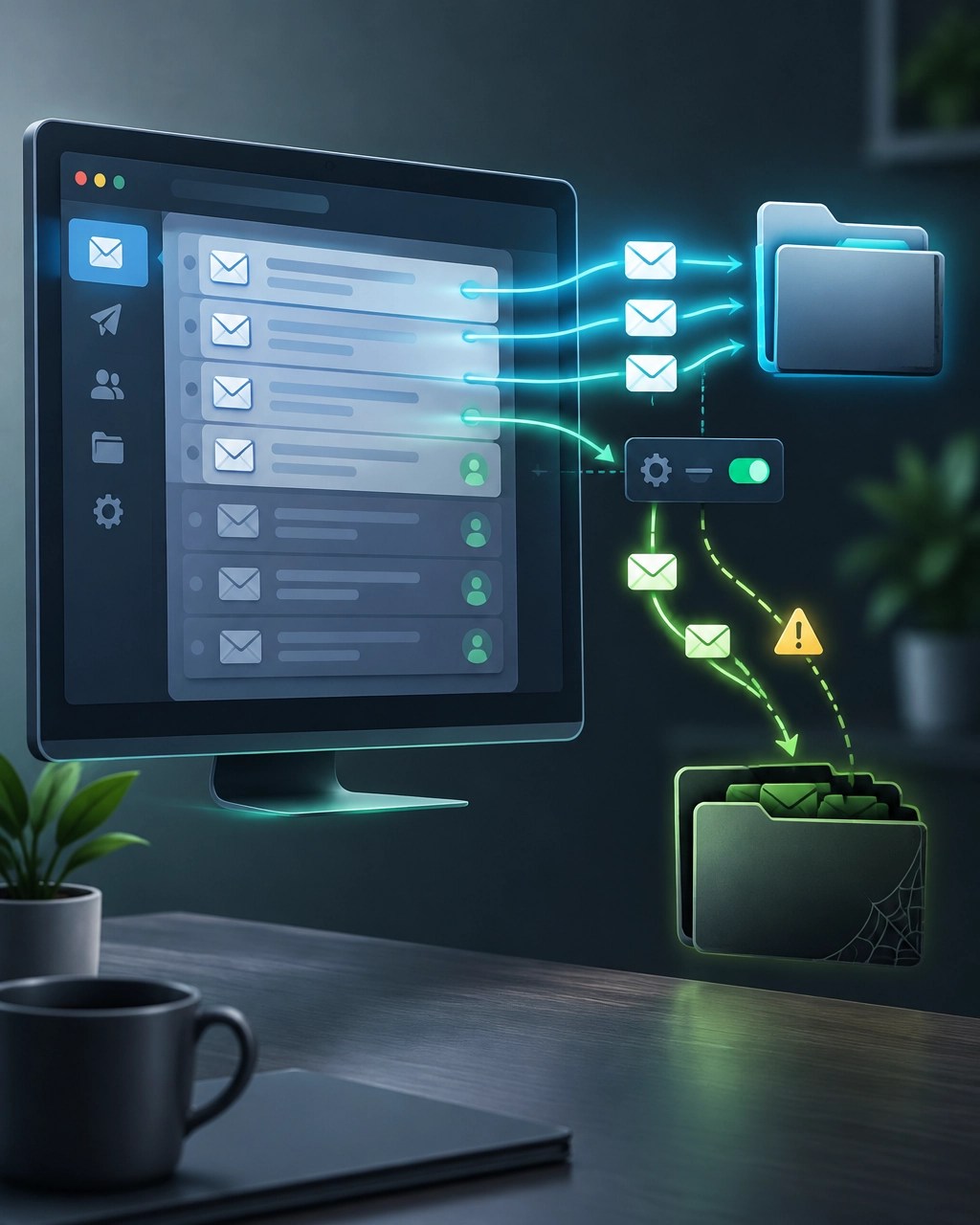
- Mailbox manipulation: So far in 2026, 24.6% of Huntress Identity Threat Detection and Response signals point to mailbox manipulation and persistence. Attackers can quietly add inbox rules that send vendor replies into folders nobody checks, such as RSS Feeds or Archive, then alter invoice details and redirect payments. No malware needs to land on a device for this business email compromise to do damage.
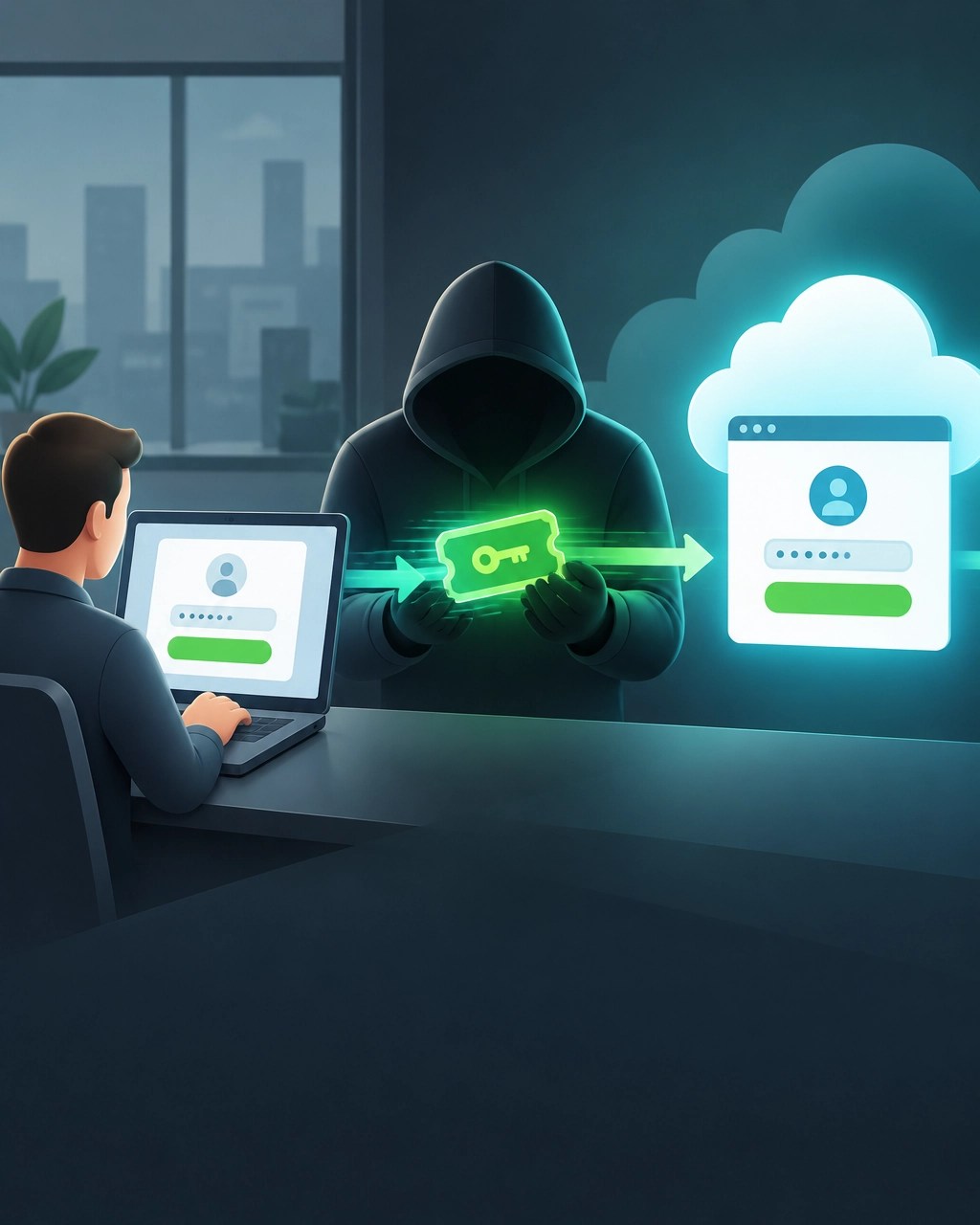
- Adversary-in-the-middle account takeover: This tactic represented 18.9% of identity-based threats Huntress tracked in 2025. An attacker positions between a user and the genuine Microsoft 365 login page, captures the session token in transit, and forwards the traffic so the login appears normal. While that session remains valid, the attacker may access the account without a password or a fresh MFA prompt.
The other corners deserve a plan, too. Device code phishing exploits Microsoft’s real device-code login flow, which means “check the URL” is not enough. A phishing-as-a-service kit called EvilTokens hit 344 organizations across five countries in a 16-day window. Treat unexpected prompts to enter device codes with suspicion, even when the sign-in page looks legitimate.
ClickFix accounts for about 2.2% of managed EDR detection signals in 2026, but nearly 99% of those detections are high severity. The trick is blunt: a fake CAPTCHA tells someone to paste a command into the Windows Run box, and that paste can start the compromise. AI platform abuse is still an emerging, overhyped risk, but one FakeAgent case used a malicious Claude Artifact on the real claude.ai domain to push SectopRAT to 29 organizations in two days.
A useful small-business checklist is refreshingly unglamorous: keep an approved list of remote access tools and treat an unexpected support-tool install as an incident; review mailbox rules and forwarding settings for tampering; investigate unusual sessions and logins even after a password reset; teach the team that pasting a command to “fix a CAPTCHA” is never a real fix; and treat device-code prompts as suspicious until verified through a trusted channel. These habits help close the gaps where quiet attacks thrive. Network Repair1’s remote IT support can help with secure troubleshooting and proactive technical assistance.
Desk Upgrade
Storm season is a business-continuity issue, not merely a weather app notification. A brief outage can drop the router, modem, and workstation right in the middle of customer work. The BLUETTI Elite 100 V2 is listed on Amazon at $499.00, down from a $899.00 list price, a 44% discount at the time of this edition. Prices fluctuate, so confirm the current offer before buying.
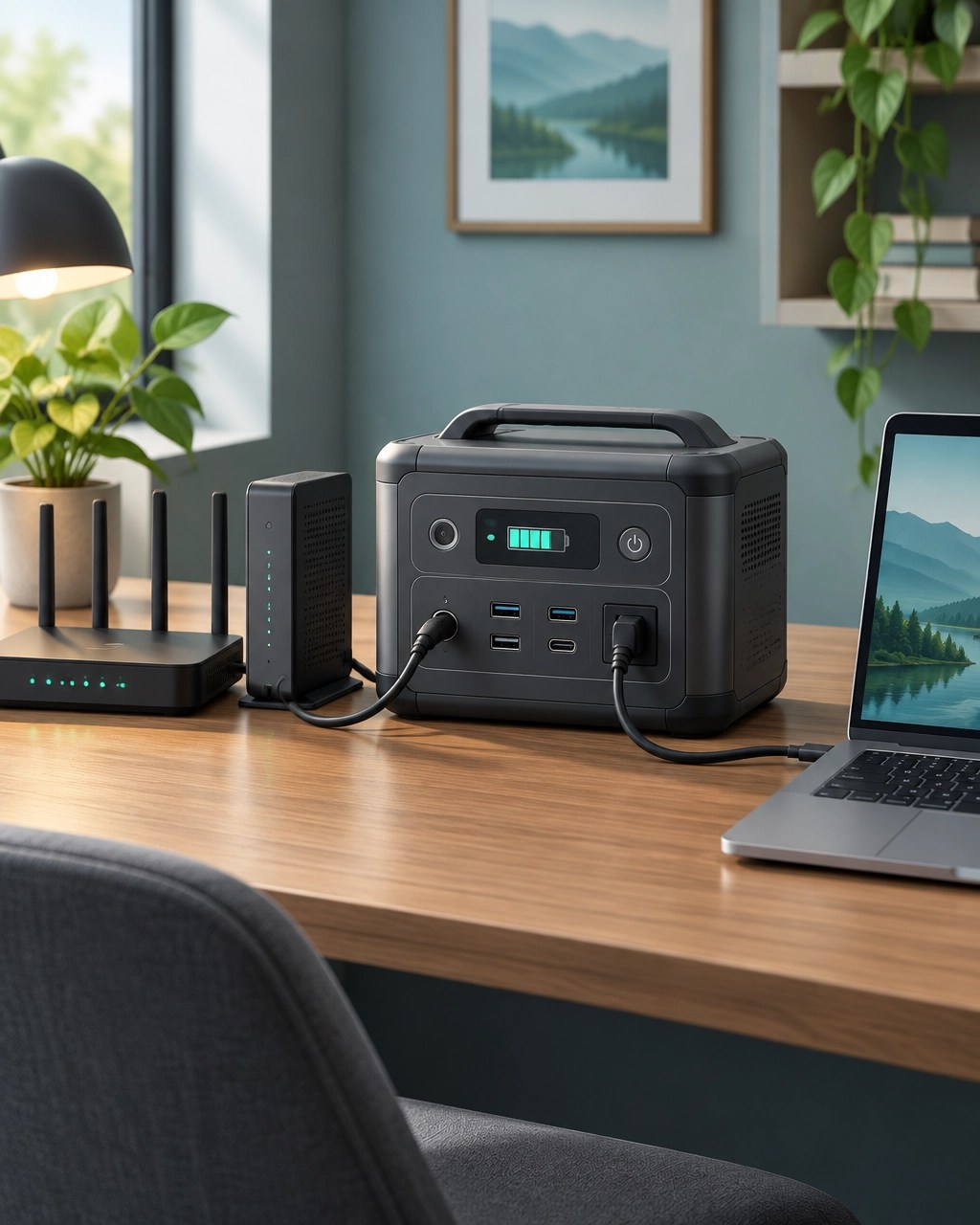
The Elite 100 V2 pairs a 1,024Wh LiFePO4 battery with 1,800W continuous AC output and a 2,700W surge rating. Its ports include two AC outlets, two USB-C ports rated at 140W and 100W, two USB-A ports, a 12V car socket, and DC barrel outputs. The headline business feature is a 10ms UPS switchover, designed to keep essential equipment running through a power interruption. It can charge at up to 1,200W from AC, reaching 80% in about 45 minutes, or accept up to 1,000W of solar input with the included MC4-to-XT60 cable. Wi-Fi and Bluetooth app control round out the feature set, while its weight is about 25.3 pounds.
TechRadar’s review praised its compact, lightweight design, quiet operation, fast UPS response, and capable app, describing it as a complete, powerful option. For a home office or small shop, the appeal is straightforward: a quick handoff can keep the router, modem, and workstation alive through a flicker, while LiFePO4 chemistry is rated for thousands of cycles. That makes it a practical backup choice for essential devices, not a promise of whole-building power.
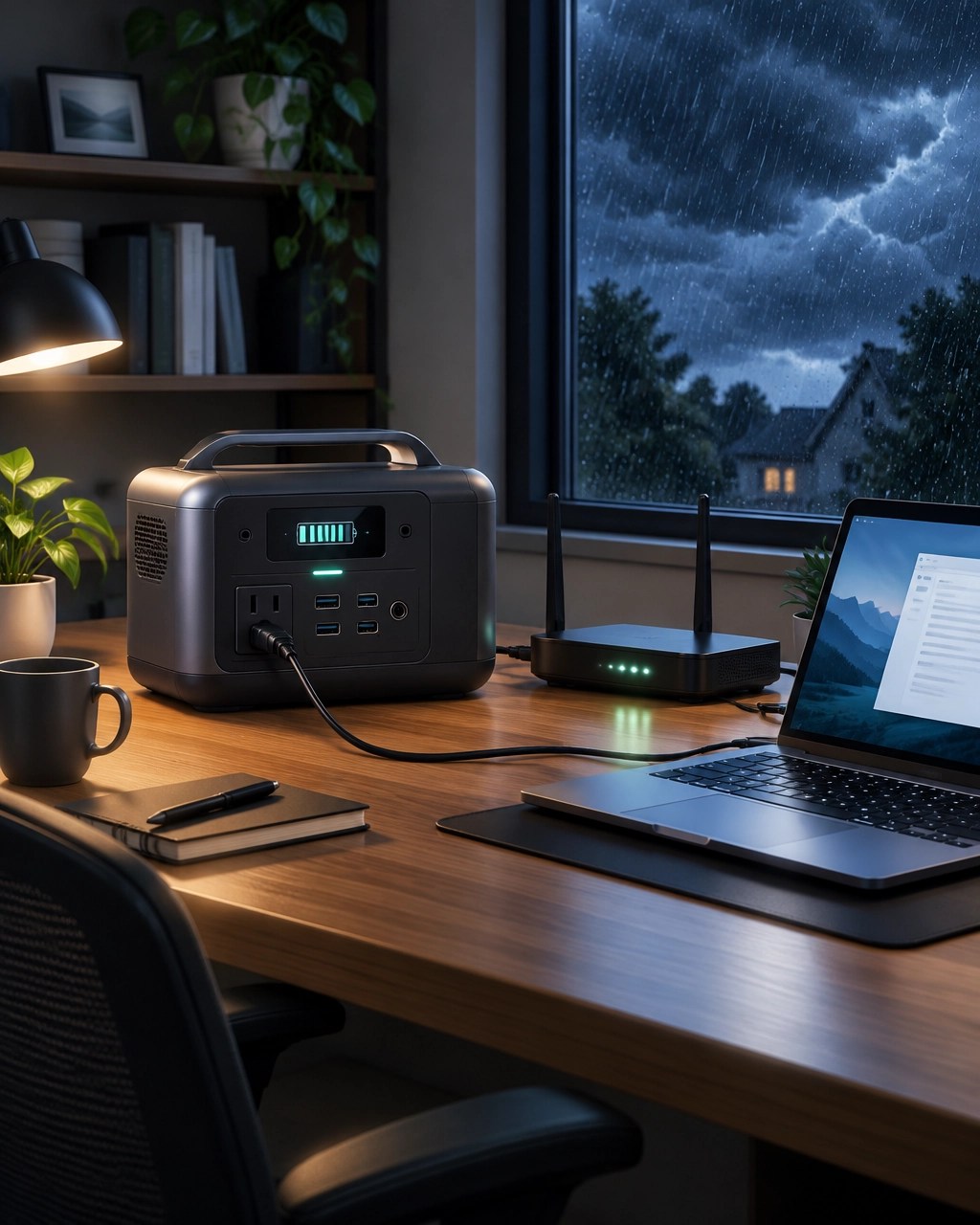
A few caveats belong in the decision. There are only two AC outlets, so a multiplug may help, but total wattage still matters. The unit has no IP rating or socket covers, so keep it indoors and away from moisture. Its capacity is not expandable, and a 1,024Wh battery can drain quickly under high-draw devices. TechRadar could not run a 2,000W induction cooktop during testing, and Amazon currently notes the item as non-returnable under transportation regulations, so check the seller’s terms before ordering. Consider it a focused continuity tool for essential electronics, not an all-purpose generator.
Daily Links
Security Brief
- BleepingComputer: The Huntress Tragic Quadrant
- Huntress: Tragic Quadrant threat analysis
- Huntress: Download the Tragic Quadrant report
Desk Upgrade
- Amazon: BLUETTI Elite 100 V2
- TechRadar: BLUETTI Elite 100 V2 review
- Popular Science: BLUETTI Elite 100 V2 review
- Mereja Tech: Top 10 tech deals, October 28, 2026
Grow with Network Repair1
A big thank-you to the community: Network Repair1 has reached 13,000 YouTube subscribers and more than 1.1 million lifetime views. Every view, subscription, and share helps us make useful technology content for people and businesses looking to work smarter and stay connected. Join us on YouTube as we keep growing together.
Promote with Network Repair1
- 🎥 Shopify and Amazon sellers: We create professional product videos that can boost visibility and give shoppers a clearer look at what you offer. Explore our video work.
- 🛠️ Need reliable tech support? Our remote IT services can help keep computers, networks, and cloud tools running smoothly. See remote support.
- 🤝 Brands: Let’s collaborate on thoughtful product reviews and engaging content that can grow your reach. Partner with us.
Don't settle for subpar tech. Grab the professional-grade gear we trust to keep our networks running fast and secure.
The items mentioned are featured on the YouTube channel.
https://www.amazon.com/shop/networkrepair1?ref_=cm_sw_r_cp_ud_aipsfshop_XV0ER95A5EVVJDPA7W6A_1
805-723-9608
Leave a Reply