
Security Brief
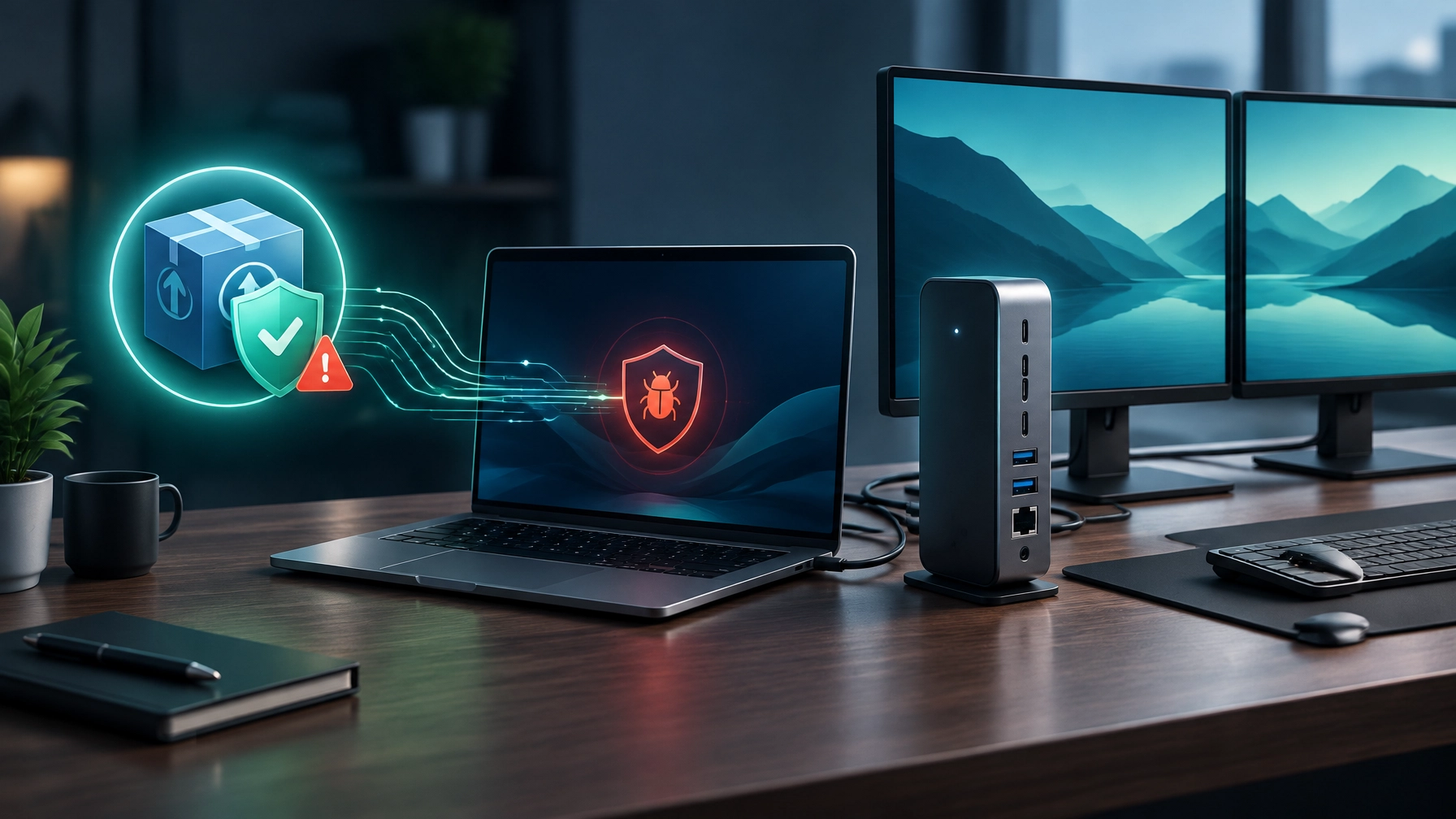
Treat every unexpected software update as a security decision, not a routine click. The LiteLLM 1.107.0 supply-chain compromise shows how a trusted package can become the delivery path for credential-stealing malware, and why small businesses need clear update and incident-response practices.
On October 21, a compromised LiteLLM 1.107.0 release appeared on PyPI and in official container images. LiteLLM reports that the malicious PyPI package was available for about two hours, from 11:39 to 13:23 UTC, while affected Docker tags were compromised from approximately 11:46 to 14:20 UTC. As the LiteLLM incident report explains, the release pipeline was manipulated to use a lookalike repository, Berri-AI/litellm, instead of the legitimate BerriAI/litellm. Stolen developer GitHub credentials and an organization-owner token were used to bypass branch protections and satisfy a production approval gate.
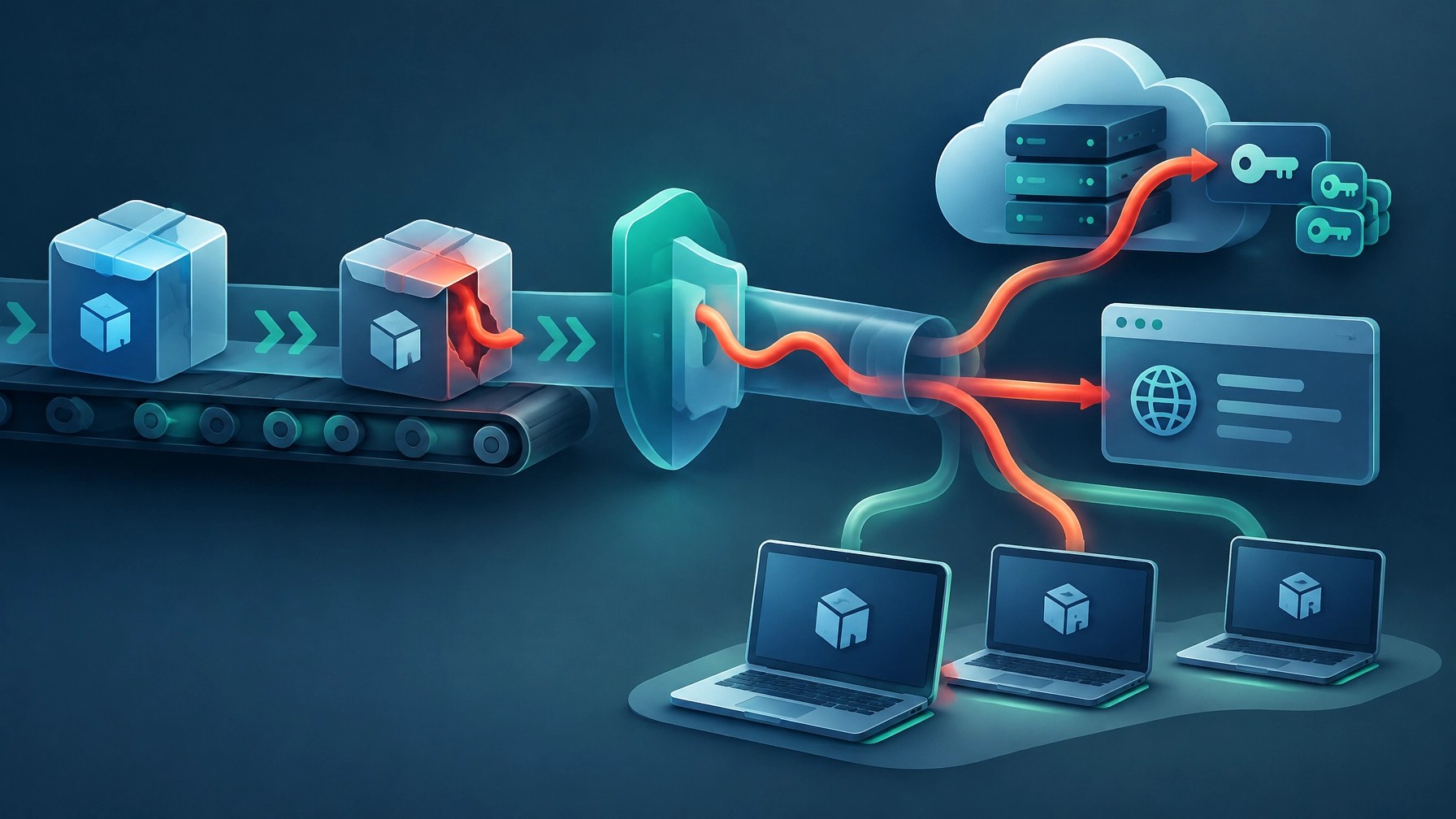
The critical detail: the affected application did not need to import LiteLLM for the malware to run. The compromised package included Python startup files such as cook.pth and cook.py, which launched a credential collector, along with sitecustomize.py, which provided a separate Unix-oriented loader. Simply starting Python in an affected environment could activate the malicious code. That means an unrelated Python command could be enough to trigger the risk.
According to Microsoft’s technical analysis, the collector targeted developer credentials, cloud keys for AWS, Azure, and GCP, SSH and GPG keys, browser data, and other secrets available to the affected process. It also attempted to collect selected LiteLLM proxy database records. Stolen information was encrypted and sent to www.litellm.dev/healthcheck. The attack demonstrates how a compromised development environment can put more than one application at risk.
The package you trusted at 11:39 AM was poison by lunchtime. You do not need to be a coder to care: the same lesson applies to any automatic update or vendor alert approved without a quick check. For a small business, a compromised device can expose cloud accounts, email, customer information, and shared credentials beyond the machine where the update was installed.
If LiteLLM 1.107.0 may have been installed, follow Microsoft’s and LiteLLM’s incident guidance rather than experimenting inside the affected environment. Do not run Python or pip in a suspect environment while investigating. Isolate it, inspect it using trusted tools from a clean system, remove cook.pth, cook.py, and sitecustomize.py from every affected site-packages directory, and stop the /tmp/remote_code_loader.lock daemon if present. Rebuilding affected environments is safer than relying on package removal alone, and credentials reachable from those systems should be rotated from a clean device. Network Repair1’s remote IT support can provide a second pair of eyes on updates, vendor alerts, and recovery priorities.
Desk Upgrade
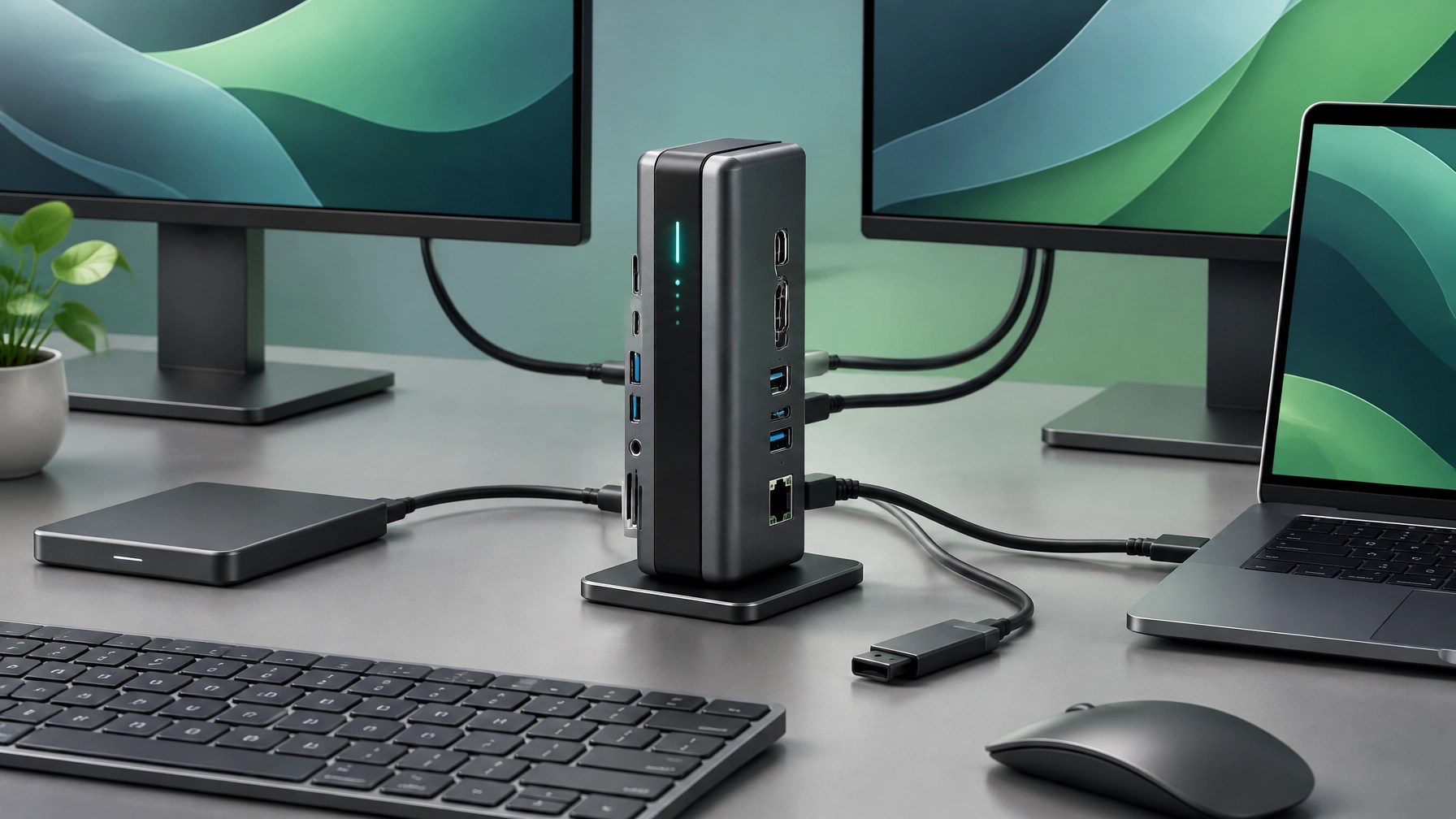
A more productive desk starts with the right connections in the right place. The Baseus Spacemate 11-in-1 Docking Station pairs a vertical design with a broad set of ports, helping consolidate a laptop workspace while freeing up desk surface.
XDA Developers reported on October 23 that the dock had reached $95 on Amazon, described as its lowest price and about 37% below its roughly $150 MSRP. Deal prices can change, so check the Amazon listing before purchasing. The Baseus product page lists a 100W USB-C power input, with power passed through to the laptop; XDA notes roughly 72W reaches the computer.
For display setups, the dock provides two HDMI 2.0 ports and two DisplayPort 1.4 ports, with support for up to three 4K displays simultaneously. Triple 4K at 30Hz or dual 4K at 60Hz requires a DSC-capable host; a single 4K display at 60Hz works without DSC. Check the host computer’s specifications before planning a multi-monitor desk, since display output depends on both the dock and laptop.
The remaining connectivity includes a 10Gbps USB-C data port, two 10Gbps USB-A 3.2 ports, one USB-A 2.0 port, Gigabit Ethernet, and a 3.5mm combo audio jack. A one-tap screen-lock button adds a quick privacy control, while the front LED display shows port activity. Its magnetic adhesive base supports vertical or flat placement, making it easier to fit the dock to the workspace.
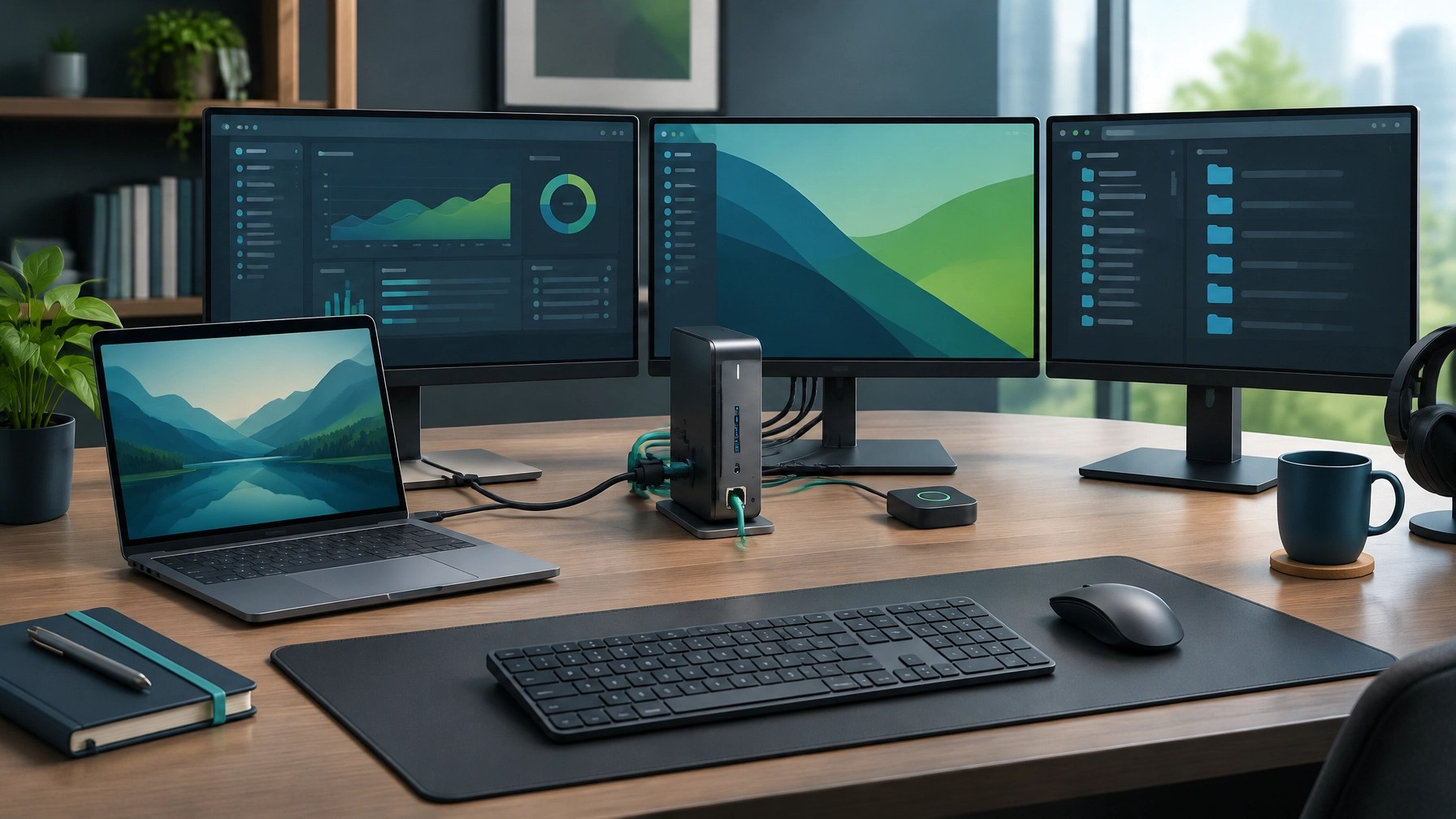
The trade-offs matter. Windows is plug-and-play, but base Apple Silicon Macs support only one external display through this dock. Heavy 15–16-inch gaming laptops may also approach its available power limits, so verify charging needs and host compatibility before making the dock the center of a high-demand setup. For a compatible Windows laptop, its compact form, display options, Ethernet, and integrated controls can make a desk cleaner and more flexible.
Daily Links
- Microsoft Security Blog: LiteLLM 1.107.0 compromise analysis
- LiteLLM: October 21 security incident report
- XDA Developers: Baseus Spacemate 11-in-1 deal report
- Baseus: Spacemate 11-in-1 product details
- Amazon: Baseus Spacemate 11-in-1 listing
Grow with Network Repair1
🚀 13,000 YouTube subscribers and growing
📈 Over 1.1 million lifetime views
▶️ https://www.youtube.com/@networkrepair1
Promote with Network Repair1
🎥 Shopify and Amazon sellers: Let’s create professional product videos that showcase your products and help grow your audience. Collaborate with us
💻 Businesses and individuals: Get remote troubleshooting, network diagnostics, and technical support, delivered with a focus on keeping you connected and productive. Explore remote IT support
🤝 Let’s collaborate and grow together.
Don’t settle for subpar tech. Grab the professional-grade gear we trust to keep our networks running fast and secure.
The items mentioned are featured on the YouTube channel.
📞 805-723-9608
Leave a Reply