
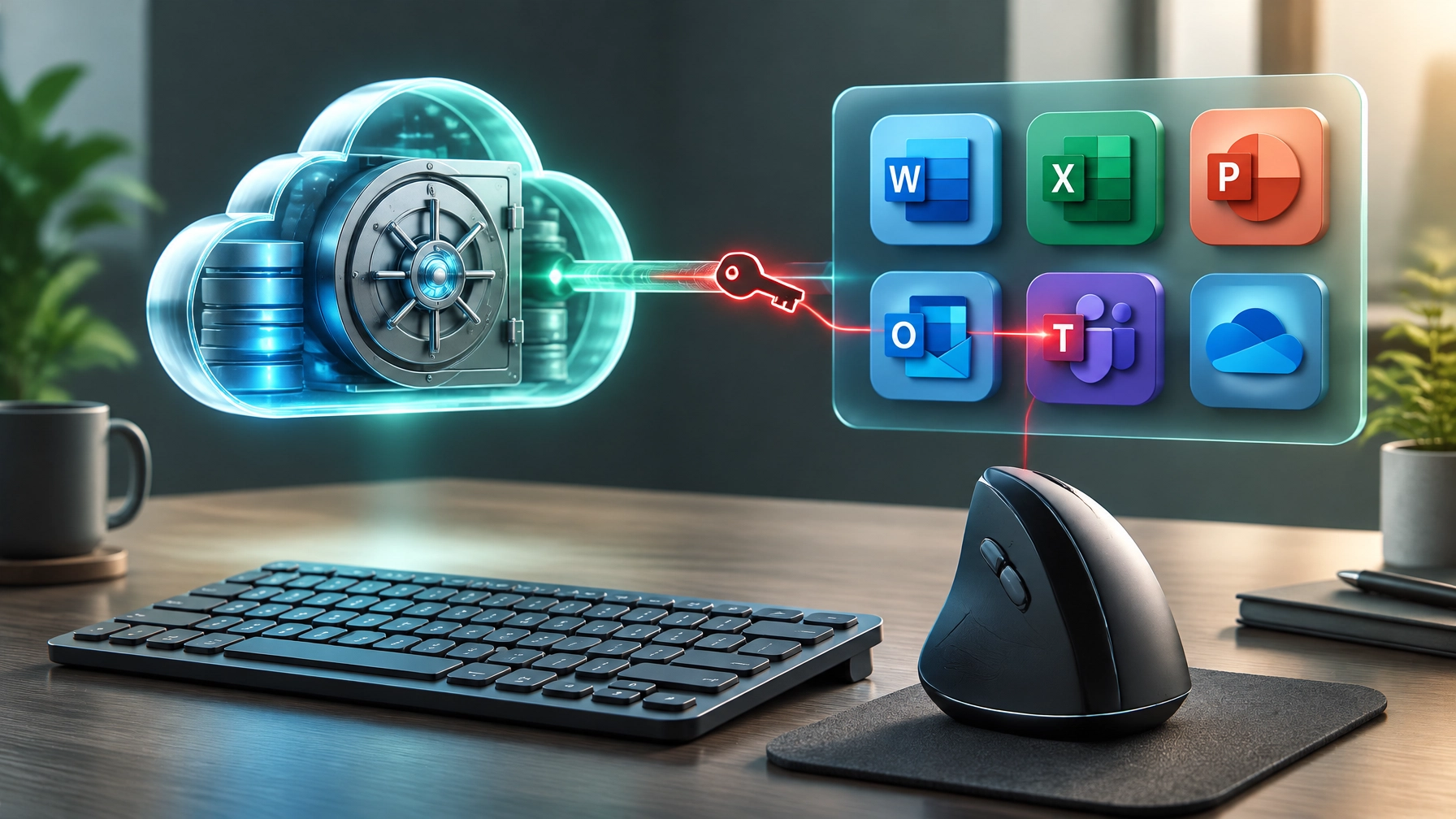
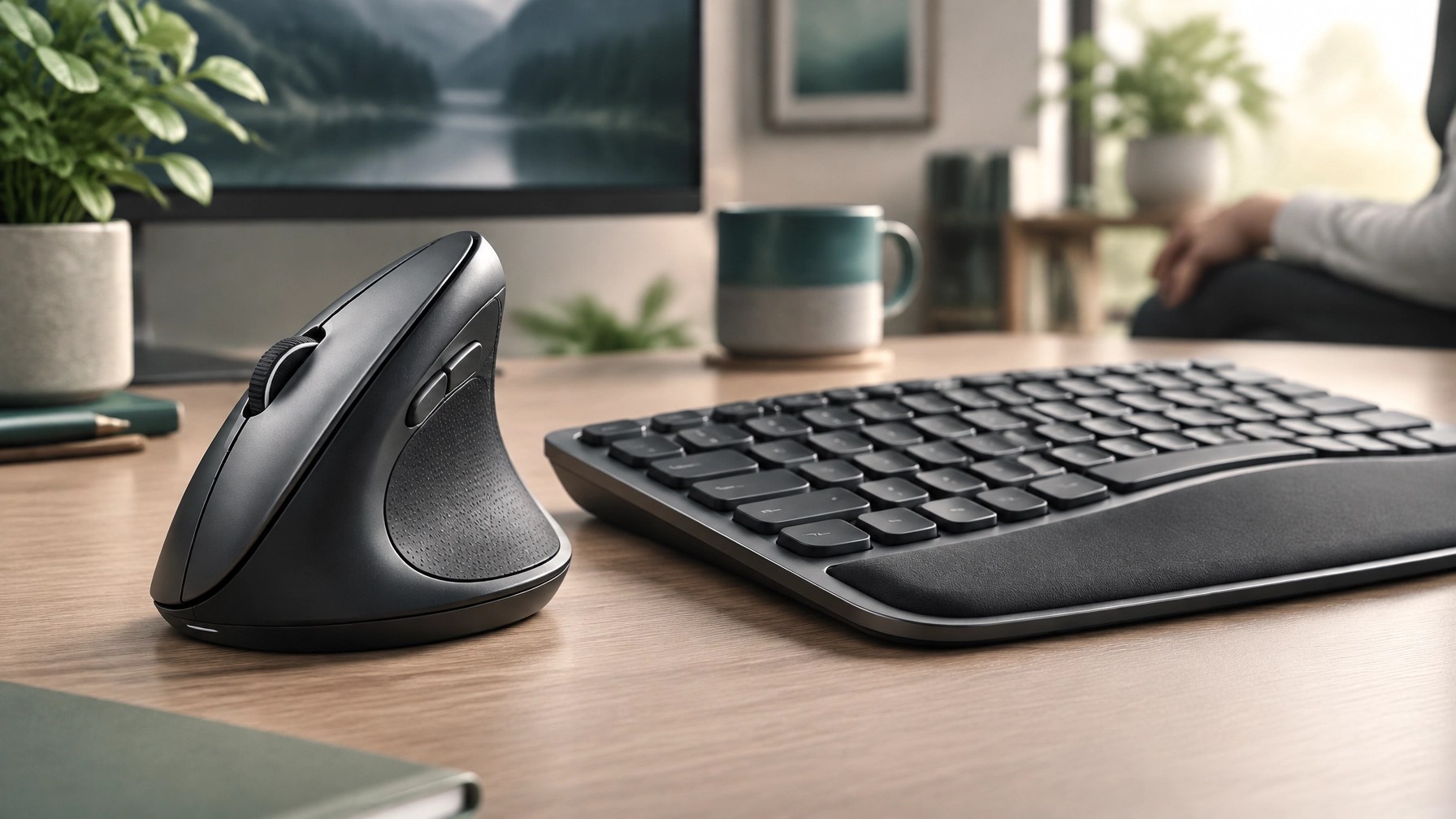
Treat third-party cloud applications with broad tenant access as a crucial part of the security perimeter, because trusted backup software can become a route into Microsoft 365. Security brief: The active ConnectWise Cloud Backup supply-chain attack shows how vendor application credentials can put customer tenants at risk, even when no user account is involved. Attackers used stolen vendor application credentials to authenticate as a service principal directly to Microsoft 365, using permissions already granted to the app; because this was an application sign-in rather than a user login, MFA did not interrupt the authentication. Huntress confirmed at least 162 compromised tenants, and Microsoft observed unauthorized authentication attempts beginning October 15 from IP address 144.172.64.128; reports describe attackers assigning Exchange Administrator or Global Administrator roles to applications and adding credentials that could support persistence. ConnectWise shut down the service on October 17, but a vendor shutdown does not replace a tenant-level review, and the incident is not, by itself, proof that stored backup archives were compromised. Learn what to inspect: In Microsoft Entra ID, review service principal sign-ins and filter for the ConnectWise Cloud Backup application ID 506e08f9-6e9a-4da4-942b-a099a03644ae, paying close attention to activity that does not match expected vendor access. Examine Entra audit activity, application credentials and secrets added since October 13, OAuth grants, role assignments, and unexpected changes to other app registrations; assess findings across both the organization’s tenant and any managed customer tenants. Disable implicated applications while investigating, but account for the fact that previously issued tokens can remain valid until expiry, so disabling an application alone may not immediately end every existing session. Review suspicious credential or permission changes and remove unauthorized persistence as part of a coordinated response, using current vendor and Microsoft guidance to validate each action. Understand the small-business takeaway: An app does not need a person to sign in to exercise powerful permissions, and vendor trust does not eliminate the need for least privilege, access reviews, and sign-in monitoring. Regularly audit which third-party applications can read or modify Exchange, SharePoint, Teams, and Microsoft Graph data, confirm that each integration remains necessary, and limit permissions to the business functions it actually requires; these controls can make a trusted integration less useful to an attacker and strengthen visibility across the Microsoft 365 environment.  Product review: The Logitech Lift Vertical Ergonomic Mouse is a desk upgrade designed around a 57-degree angle that Logitech calls a “natural handshake position,” with a soft rubber grip, a thumb rest, whisper-quiet clicks, and a quiet smart scroll wheel. The Lift is designed for small to medium hands, and a left-handed option is available, giving more people a vertical mouse choice without adding a louder or more disruptive input device to a shared workspace. At the time of verification on Logitech.com, the Lift was listed at a special price of $69.99, reduced from $79.99, as part of LogiWork Deal Days through November 1; Logitech also lists recycled plastic in its materials and a 3.56 kg CO2e carbon footprint. Review the Logitech Lift product page for current price, availability, and options before purchasing, since offers can change. Following yesterday’s MX Keys S keyboard coverage, the Lift completes a practical desk ergonomics trio: a comfortable keyboard, a vertical mouse, and a workspace arranged to support relaxed, productive work. This is a fit-focused product recommendation, not a guarantee of a particular health outcome; hand size, preferences, and work setup matter, so check the product details to decide whether the shape suits the way you work. Together, informed access reviews and thoughtful desk choices can help small businesses strengthen security, enhance everyday comfort, and keep teams productive.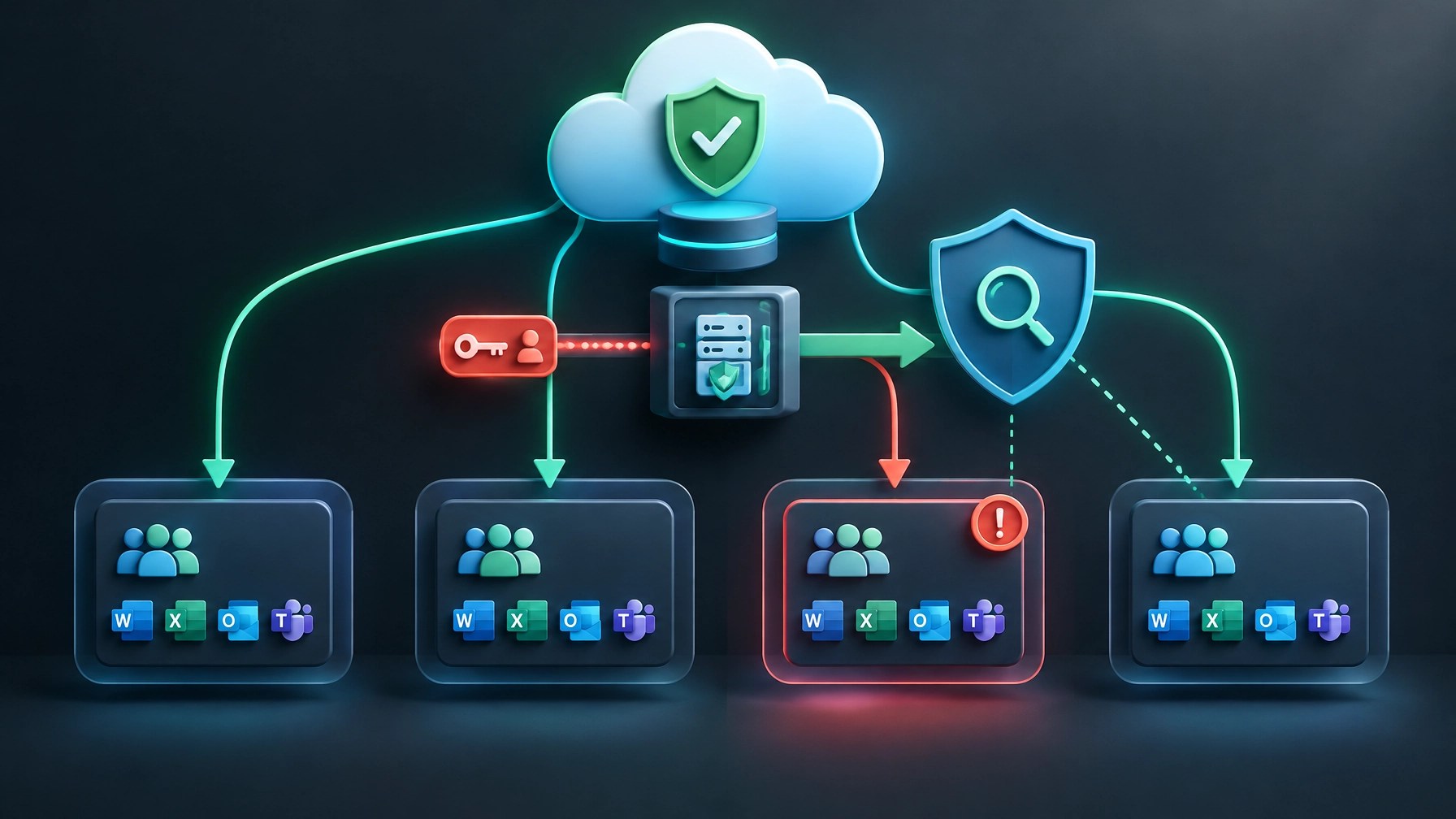
Daily Links
- BleepingComputer: Hackers breach Microsoft 365 tenants via ConnectWise supply-chain attack
- Logitech Lift Vertical Ergonomic Mouse
Grow with Network Repair1
🎉 13,000 YouTube subscribers and 1.1 million+ lifetime views: Thank you for helping our technology and product content grow.
Promote with Network Repair1
- 🎥 Shopify and Amazon product videos: Let’s collaborate to showcase products and grow your reach together: Explore content partnerships
- 💻 Remote IT support: Get secure help with troubleshooting, Microsoft 365, and more: Explore remote services
Ready to upgrade your tech? Check out our curated list of essential tools to keep you connected and productive.
The items mentioned are featured on the YouTube channel.
https://www.amazon.com/shop/networkrepair1?ref_=cm_sw_r_cp_ud_aipsfshop_XV0ER95A5EVVJDPA7W6A_1
805-723-9608
Leave a Reply