
Unlocking the full potential of remote technical assistance requires a sophisticated understanding of the underlying security protocols that govern digital interactions and data integrity. Learning the nuances of encrypted pathways and secure handshakes remains the most significant factor in maintaining a resilient network environment during troubleshooting sessions. Discovering how industry-standard tools facilitate these connections will enhance operational efficiency and significantly boost the safety of sensitive information. Understanding the mechanics of secure tunnels and authentication frameworks allows for the seamless resolution of complex hardware and software discrepancies without compromising the perimeter of a digital workspace.
Enhancing your digital security posture involves implementing multi-factor authentication and role-based permissions to ensure that only verified personnel gain access to your critical systems. You can experience a dramatic reduction in unauthorized access attempts by enforcing strict session logging and utilizing end-to-end encryption for every remote interaction. Your ability to grow and expand your technical capabilities depends on your willingness to adopt professional-grade tools like Microsoft Quick Assist and advanced remote management software. By prioritizing these secure connections, you effectively increase the longevity of your hardware and ensure that your network remains fast and secure against evolving threats.
The Foundation of Secure Remote Support
Establishing a secure connection is not merely a convenience; it is a fundamental requirement for modern business operations. Most users interact with remote support through a simple interface, yet the backend complexity involves layers of AES-256 encryption and Transport Layer Security protocols. These technologies create a shielded environment where data can travel between a technician and a host computer without being intercepted by malicious actors.
Experts often rely on NAT traversal techniques to bypass firewall restrictions without creating permanent vulnerabilities in the network. This process allows a temporary, secure bridge to be built, which is then completely dismantled the moment the support session concludes. By understanding that these connections are ephemeral, you can gain confidence in the security of remote interventions for your most sensitive devices.

Microsoft Quick Assist: The Professional Standard
Microsoft Quick Assist represents one of the most effective and streamlined methods for providing immediate support to Windows users. It eliminates the need for bulky third-party software while maintaining a high level of security through the use of one-time security codes. This tool is built directly into the operating system, which means it benefits from regular security updates and deep integration with Windows Defender.
When a technician requests access via Quick Assist, the user maintains total control over the session and can terminate the connection at any time with a single click. This transparency is a key secret that top-tier IT professionals use to build trust while maintaining a professional environment. Utilizing native tools reduces the overhead of your system and prevents the bloat associated with installing multiple remote access clients.
Beyond the Screen: Hardware Optimization
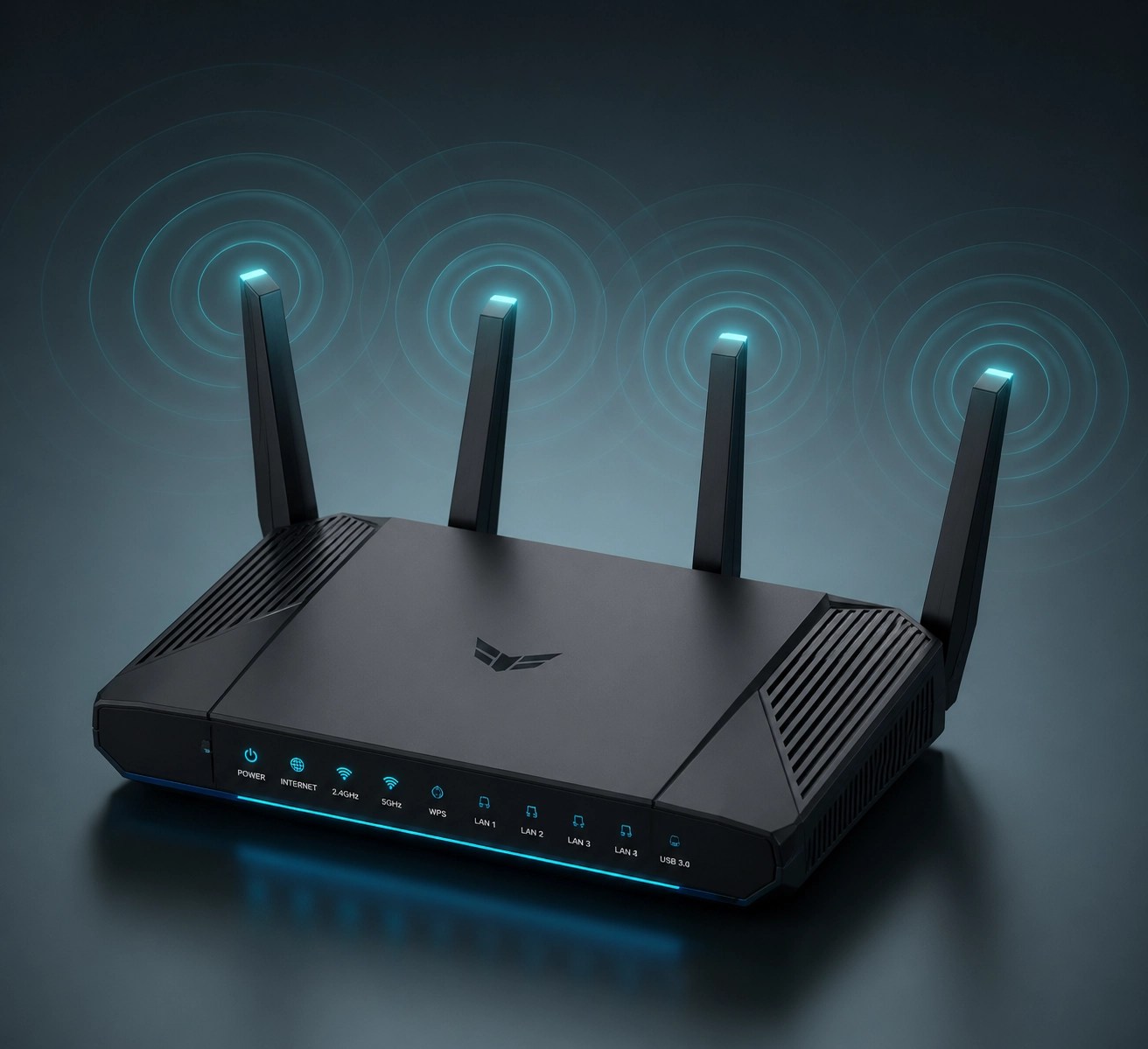
Maintaining a secure connection also depends on the physical hardware supporting the network. High-performance routers and dedicated network interface cards ensure that the encrypted stream of data remains stable throughout the troubleshooting process. A dropped connection during a critical system update or a registry fix can lead to significant downtime or data corruption.
Professional setups often include uninterruptible power supplies and redundant internet connections to guarantee that support sessions are never interrupted. Investing in high-quality gear is a crucial step for anyone looking to optimize their home office or corporate network for maximum efficiency. These hardware choices directly impact the speed and reliability of every remote interaction you initiate.
Gadget Spotlight: High-Performance Laptops for Power Users
When it comes to remote work and technical management, the hardware you use is just as important as the software. We recently spent time testing the latest flagship laptops, focusing on their ability to handle multiple encrypted streams and high-resolution video conferencing simultaneously. A laptop with a dedicated TPM (Trusted Platform Module) chip provides an extra layer of security that software alone cannot match.
These machines are not just about raw power; they are about thermal management and sustained performance. During extended support sessions or heavy video editing for Shopify product promotions, a laptop that throttles its CPU due to heat becomes a liability. We look for devices with high-capacity batteries and fast-charging technology to keep the workflow moving without being tethered to a wall outlet for eight hours a day.
Professional Product Presentation Services
At Network Repair1 LLC, we understand that high-quality electronics deserve high-quality representation. Our team specializes in creating professional product videos specifically tailored for Shopify and Amazon sellers. We highlight the essential features, provide real-world troubleshooting insights, and showcase the durability of your tech products.
Collaborating with us ensures that your product is presented through the lens of IT specialists who know exactly what technical specifications matter to consumers. We don't just show the product; we reveal its potential and explain its value in a professional, engaging way. Let us help you elevate your brand by blending tech expertise with high-end media production.

Protecting Your Identity and Data
One of the most guarded secrets in the IT world is the prevalence of social engineering attacks that masquerade as legitimate support. Always verify the identity of any individual requesting access to your machine, even if they claim to be from a known organization. Legitimate support providers will never ask for your passwords or financial information during a remote session.
Using a secure password manager and enabling two-factor authentication on all your accounts provides a secondary line of defense should a connection ever be compromised. These simple steps, combined with the professional tools mentioned above, create a robust security architecture that is difficult for even the most sophisticated hackers to penetrate.

🚀 Let's Level Up Your Tech!
- ⚡ Remote IT Support: We solve your toughest computer problems from anywhere in the world.
- 🎥 Product Video Services: High-energy videos that make your Amazon or Shopify store pop.
- 🛡️ Cybersecurity Audits: We find the holes in your network before the bad guys do.
- 💻 Custom Tech Reviews: Deep dives into the gear that actually works for professionals.
Let's collaborate! We are ready to help you grow your brand and secure your network together.
Connect with us:
- 🎥 YouTube
- 🎵 TikTok
Featured on our YouTube channel!
'We’ve done the troubleshooting so you don't have to. Shop the gear we use and recommend for a high-performance setup.'
https://www.amazon.com/shop/networkrepair1?ref_=cm_sw_r_cp_ud_aipsfshop_XV0ER95A5EVVJDPA7W6A_1
For inquiries and support, contact Octavio:
oq@networkrepair1.com